How to Automate WhatsApp Follow-Ups with Kraya Ai
 Abhyank Srinet
In today's fast-moving sales world, staying connected with your leads is super important.
That's where Kraya.Ai makes a huge difference. It helps you reply fast, follow up easily, and never lose track of a lead — all using WhatsApp. This guide explains how Kraya.Ai works and how you can set up WhatsApp follow-ups in just a few simple steps."Almost 70% of leads go cold just because businesses don't follow up on time. Most people expect a reply within 5 minutes. If they don't hear back, they move on."
— Sales Follow-Up Industry Report 2024
Why Follow-Ups on WhatsApp Matter
According to recent data, WhatsApp has over 500 million active users in India alone, making it one of the most used messaging apps globally. People trust it, check it often, and use it to talk with businesses. But many teams struggle to:
Reply quickly
Remember to follow up
Keep track of all chats
Share updates with their team
End result? Missed chances and lost leads.
If you're wondering what is CRM, it's a system that helps businesses manage customer relationships better by keeping track of conversations, tasks, and follow-ups in one place.
Kraya.Ai fixes that by turning WhatsApp into a smart sales tool that's organized, fast, and easy to use."Businesses that respond to leads within 5 minutes are 9 times more likely to convert them compared to those who wait over 30 minutes."
— Harvard Business Review Lead Response Study
What Is Kraya.Ai?
Kraya.Ai is a Chrome-based plugin that transforms WhatsApp Web into a sales automation and CRM workspace. Once installed, it gives your team access to tools that help manage leads, automate follow-ups, and qualify prospects directly inside WhatsApp.
Here's what it helps with:
WhatsApp CRM: Save lead details, notes, tags, and call history
Auto-Messages: Send reminders and follow-ups without manual typing
AI Assistant: Reply instantly to questions using smart chat
Triggers: Automatically message leads based on actions (or if they don't reply)
All of this happens within WhatsApp — so your team doesn't need to learn anything new.
Step-by-Step: How to Set Up WhatsApp Follow-Ups
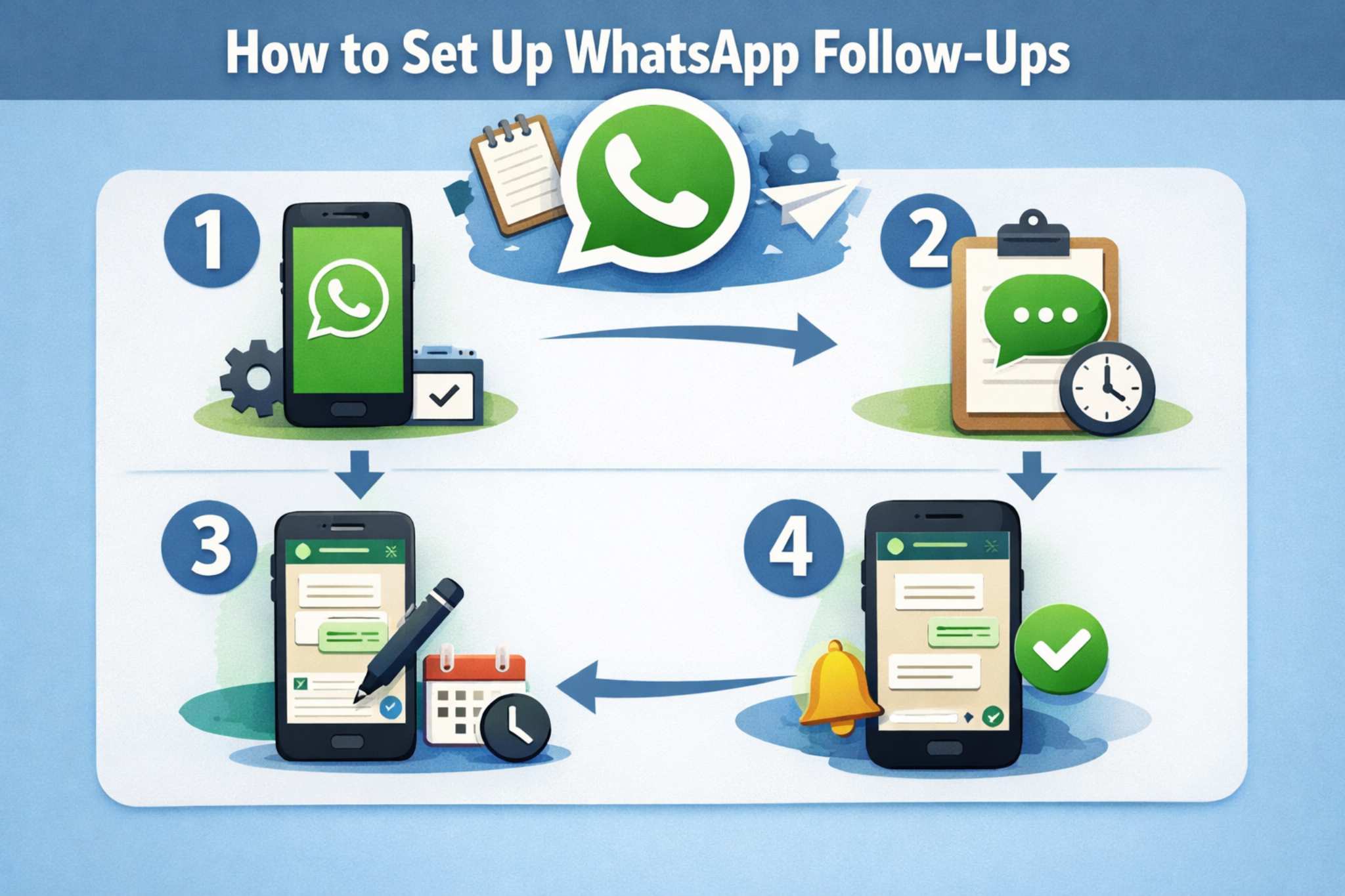
1. Install Kraya.Ai Chrome Plugin
Go to kraya-ai.com and download the Chrome plugin. Open WhatsApp Web on your computer. You'll now see new tools like tags, reminders, lead stages, and saved notes — all inside WhatsApp.
You can also download this from the Google Chrome Web Store, it's available there
No tech skills required. Just install and start using.
You'll never miss a lead again or waste time copying things manually.
2. Create WhatsApp Follow-Up Flows
This is where automation saves the day.
Using Kraya's simple drag-and-drop system, you can:
Write a series of WhatsApp messages
Set when they go out (after 1 hour, next day, etc.)
Add logic (e.g., stop follow-up if the lead replies)
Example:
Message 1: "Hey [Name], thanks for reaching out!"
Message 2 (after 2 hours): "Just checking in. Let me know if you have any questions."
Message 3 (after 1 day): "Still interested? I'd be happy to help!"
You can make different flows for different products or campaigns.
Also read : Cold Lead Follow-Ups That Actually Work
3. Turn On AI Auto-Replies
According to customer engagement data, people often ask the same questions: "What's the price?", "How does it work?", "Do you offer demos?"
Kraya's smart AI chatbot can:
Answer instantly with the right message
Understand what people mean
Tag them based on their interest
Alert your team if someone is ready to buy
This way, no lead ever goes ignored — even if it's midnight.
4. Track Your Results
Use Kraya's dashboard to see what's working and what's not. You'll get:
Response rates: See which messages are getting replies
Conversions: Find out how many leads booked calls or demos
Time saved: See how much manual work was reduced
Make changes anytime to improve your results.
Example: WhatsApp Follow-Up Flow
When a new lead comes in, the flow begins with a warm greeting such as, "Hi [Name], thanks for reaching out to us!" After one hour, if there's no response, the first follow-up is sent: "Just following up. Let me know if you have questions." If the lead still doesn't reply within 24 hours, a final reminder goes out: "Still interested? I'd love to help if you need info." The flow automatically stops as soon as the user replies, at which point either your AI or team takes over the conversation.
Real Results with Kraya.Ai

Businesses using Kraya.Ai have seen measurable improvements:
| Metric | Improvement | Timeline |
|---|---|---|
| Reply Rate Increase | 20% more replies | 1 week |
| No-Show Reduction | 35% fewer missed calls/demos | Ongoing |
| Time Saved Per Team Member | 10+ hours per week | Per member |
| Deal Closure Speed | Faster deals closed | Quick replies enabled |
"Teams using WhatsApp automation tools report a 20-35% increase in qualified leads within the first month of implementation."
— B2B Sales Automation Report 2024
Whether you're a growing startup or a solo founder, Kraya.Ai helps you save time and win more clients.
To see how this works, read How to Automate WhatsApp Follow-Ups with Kraya.AI.
Who Is Kraya.Ai For?
Kraya.Ai is great for:
Agencies running ads and getting lots of leads
Startups that want simple, powerful tools
Freelancers & Coaches who manage leads themselves
Sales Teams using WhatsApp for most of their work
If your leads are chatting with you on WhatsApp, this tool is made for you.
Conclusion
Following up on time is what separates lost leads from closed deals. With Kraya.Ai, you don't just reply faster—you build a system that keeps every lead warm and engaged on WhatsApp. From auto-reminders to AI-powered replies, it eliminates the stress of manual follow-ups, making your sales process smooth and consistent.
For more on this topic, see our guide on Manual Follow-Ups vs Automated WhatsApp Follow-Ups: What Works Better for Sales.
For more on this topic, see our guide on WhatsApp Sales Follow-Up Automation: How to Stop Missing Leads and Close More Deals.
For more on this topic, see our guide on How AI Sales Follow Up Automation Changes the Follow-Up Process Step by Step.
For more on this topic, see our guide on Why WhatsApp Auto Reply Is Essential for Customer Engagement.
For more on this topic, see our guide on How to Automate Sales Follow-Ups Without Sounding Robotic.
```
Written by
Founder & CEO, Kraya AI
Abhyank Srinet is the Founder and CEO of Kraya AI, a WhatsApp CRM and sales automation platform serving 600+ Indian businesses. He is also the founder of MiM-Essay, one of India's largest Masters admissions consulting firms.
More from Abhyank


