WhatsApp Payment Reminder Messages: Templates + Rules (2026)
 Abhyank Srinet
Key Takeaways
- WhatsApp payment reminders recover overdue invoices in days, not weeks — the channel is read far faster than email.
- Send reminders as utility templates to opted-in customers; promotional 'reminders' break policy and hurt delivery rate.
- A five-touch cadence — pre-due, due-today, +3, +7, +14 days — recovers most overdue invoices before the final notice.
- Across 600+ Kraya businesses, delayed manual follow-up was the top cause of revenue leakage (one cohort lost ₹4 lakh in 3 months).
The short answer: A WhatsApp payment reminder is a short, courteous message that nudges a customer about a due or overdue invoice on the channel they actually read. Across the 600+ Indian businesses Kraya has onboarded, delayed manual follow-up was the single biggest cause of revenue leakage — one cohort lost ₹4 lakh in just three months. A WhatsApp payment reminder closes that gap in days, not weeks.
Email gets ignored. Phone calls feel confrontational. A WhatsApp payment reminder sits in the middle: personal enough to get read, gentle enough to protect the relationship. Below are the rules, the cadence, and copy-paste templates Indian businesses use to collect faster without sounding like a recovery agent.
What is a WhatsApp payment reminder message?
A WhatsApp payment reminder is a pre-written message template sent through WhatsApp to remind a customer that a payment is due, due today, or overdue. On the WhatsApp Business API these reminders are sent as utility templates — transactional messages tied to an existing order or invoice — which is exactly the category Meta intends for billing nudges.
The reason it works is timing and channel. A reminder only recovers money if it is read, and read quickly. The most reliable structure is a short cadence rather than one message, so the table below is the schedule we hand every new client before they send a single WhatsApp payment reminder.
| Stage | When to send | Tone | What the message does |
|---|---|---|---|
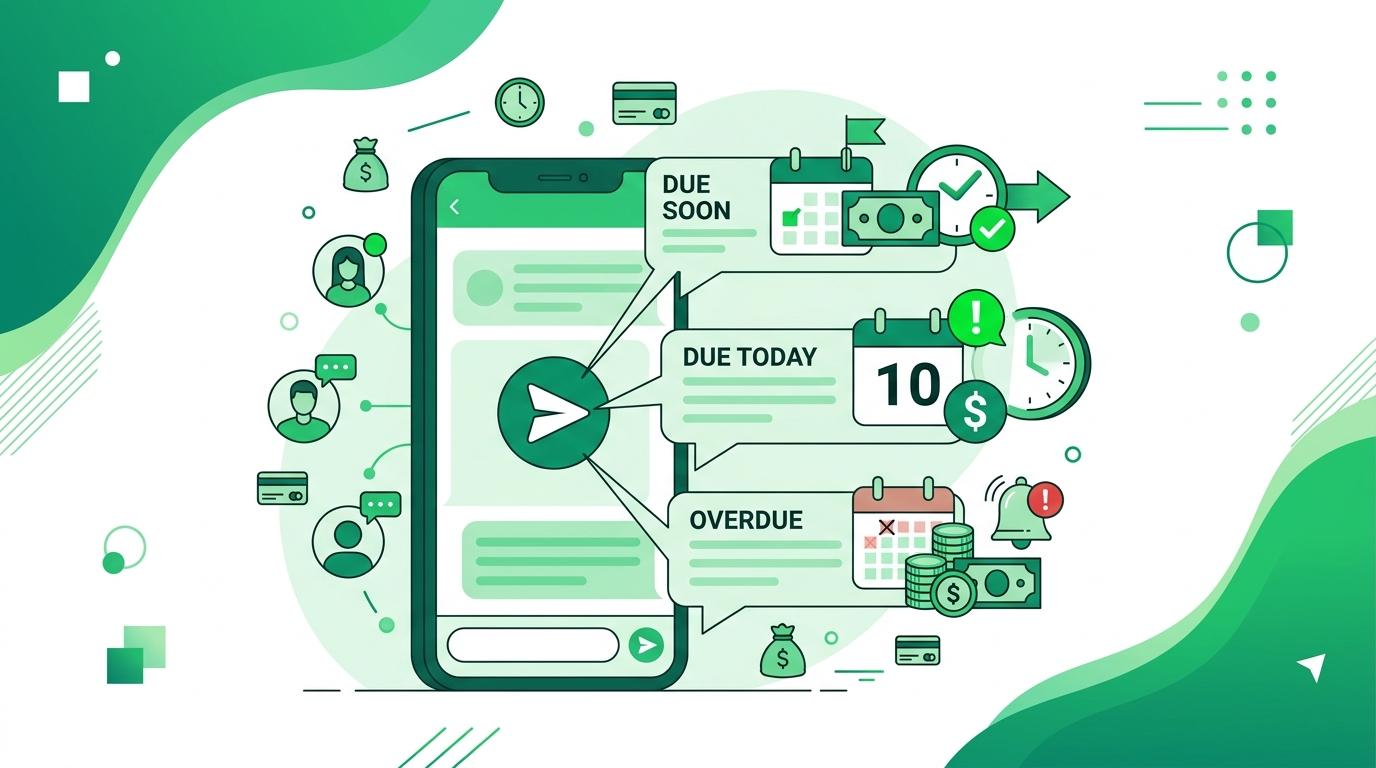
| Pre-due nudge | 3 days before due date | Friendly | Confirms the amount and date before it is even late |
| Due-today reminder | On the due date | Neutral | States the invoice number, amount, and payment link |
| Gentle follow-up | +3 days overdue | Warm but clear | Assumes it was missed, not refused |
| Firm reminder | +7 days overdue | Direct | Names the consequence (late fee, paused service) |
| Final notice | +14 days overdue | Formal | Offers a deadline and a single point of contact |
This five-touch cadence recovers the large majority of overdue invoices before they reach the final notice. Most customers are not refusing to pay — they simply forgot, and a well-timed WhatsApp payment reminder solves a memory problem, not a money problem.
Are payment reminders allowed on WhatsApp?
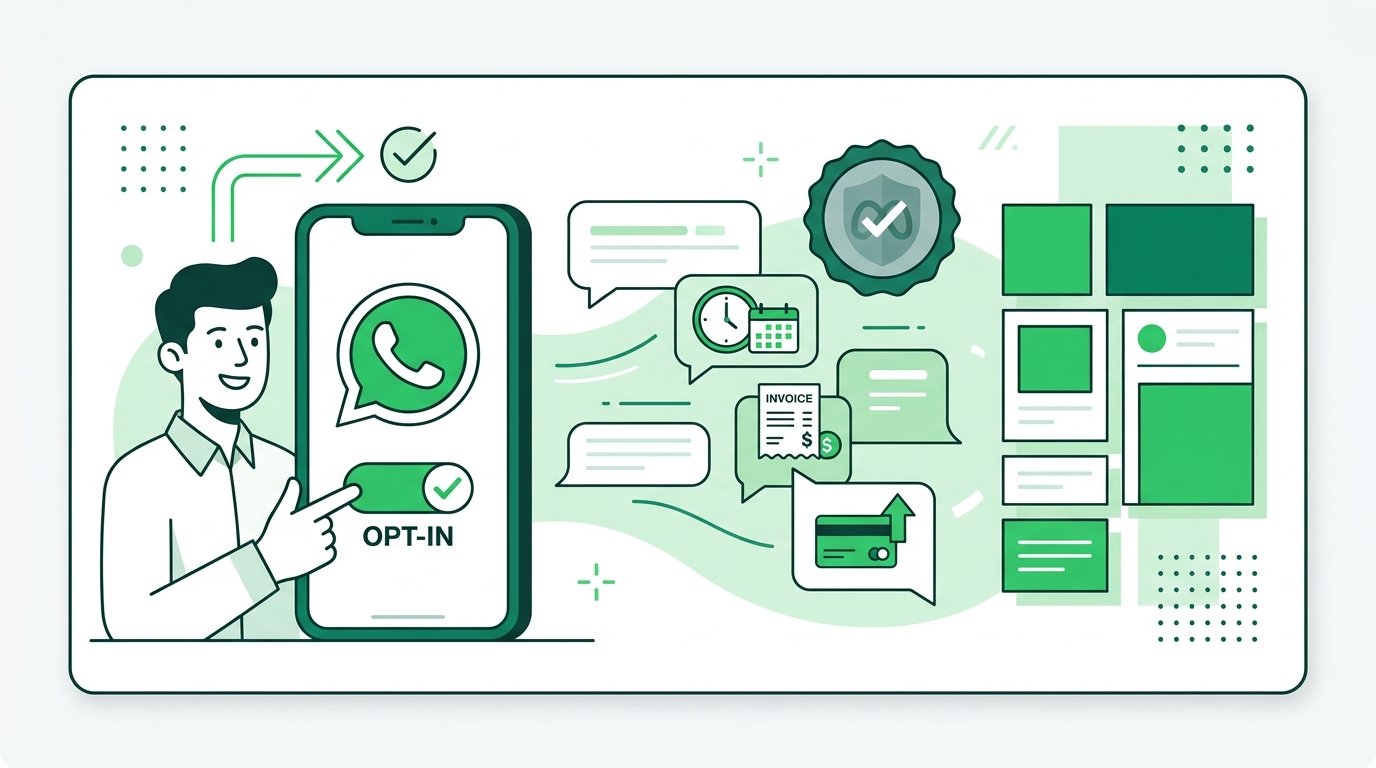
Yes — payment reminders are allowed, provided they are sent as utility templates to customers who have opted in. Per Meta's WhatsApp Business messaging guidelines, billing and payment updates fall under the utility category, which is built for transactional nudges like this one. Promotional, discount-led "reminders" do not qualify and can hurt your delivery rate and sender reputation.
"Manual processes cause an average loss of ₹4 lakh in three months due to delayed follow-ups," reported one Kraya client, a Pune-based services firm, before moving its reminders onto WhatsApp.
Two compliance rules matter most. First, opt-in is non-negotiable — the customer must have agreed to receive messages, usually at checkout or invoicing. Second, keep your contact list clean: sending utility templates to people with no prior relationship is the fastest way to get a number flagged. Review the official WhatsApp Business Messaging Policy once before you launch any reminder flow.
How do you write a polite WhatsApp payment reminder?
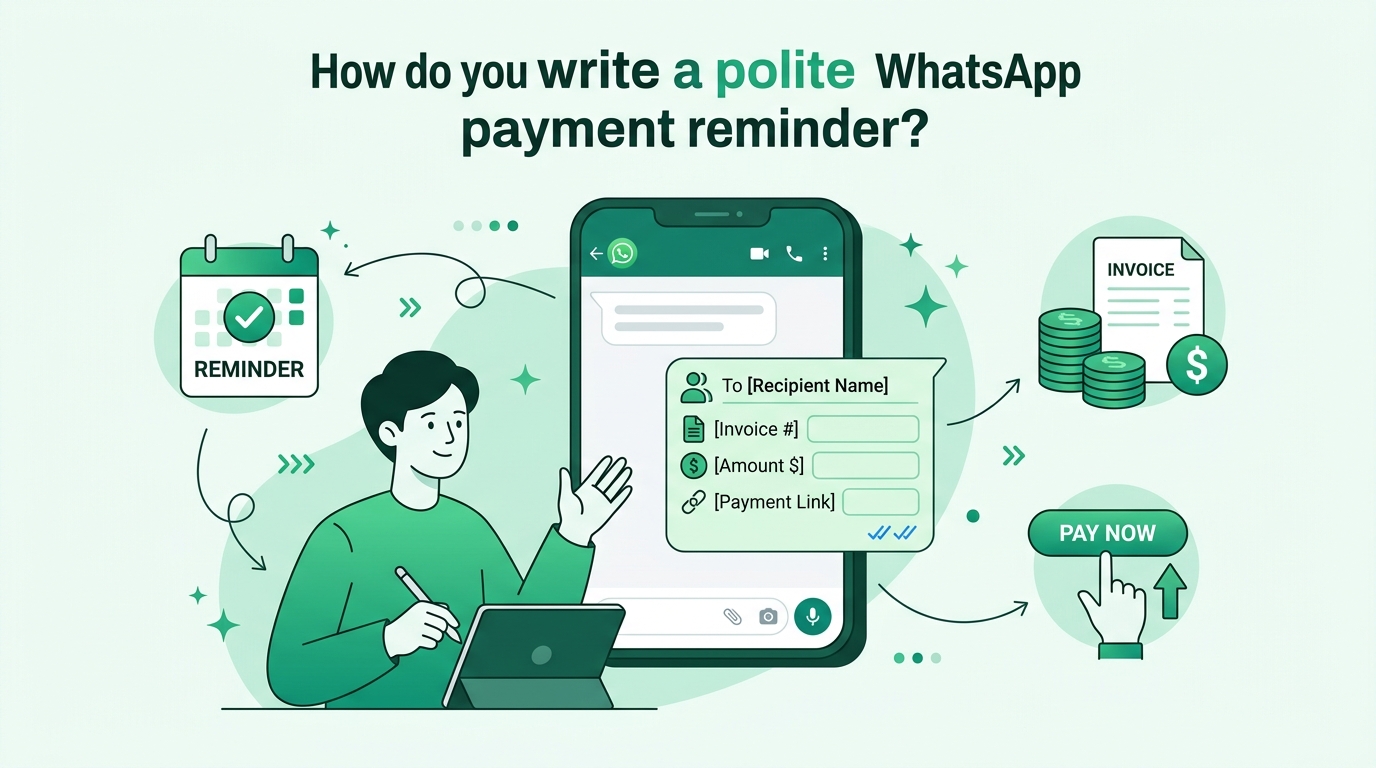
A polite WhatsApp payment reminder leads with the facts and ends with an easy action. State who you are, the invoice number, the amount, and a payment link — then stop. The customer should be able to pay in two taps without scrolling back to find details.
KRAYA AI — WhatsApp CRM for Indian Sales Teams
Automate your WhatsApp Payment Reminder Templates workflows with Kraya AI
Kraya's AI agent qualifies leads, follows up automatically, and routes conversations to the right sales rep — 24/7. Used by 600+ Indian sales teams across coaching, real estate, healthcare, and more.
Book a Free Call →Lead with the invoice number and amount, never the apology. "Sorry to bother you" trains customers to treat your reminder as optional.
Avoid guilt and avoid threats. A read receipt tells you the message landed; if it was read and ignored, escalate tone on the next touch, not this one. Personalise the first line with the customer's name and the specific invoice, because a generic blast reads as automated and gets muted.
WhatsApp payment reminder templates you can copy
These templates map to the cadence table above. Swap the bracketed fields for your own details and submit them as utility message template entries in your WhatsApp Business account for approval.
1. Pre-due nudge (3 days before): "Hi [Name], a quick heads-up — invoice [#1024] for ₹[12,500] is due on [18 June]. Here's your payment link: [link]. Thanks for working with us!"
2. Due-today reminder: "Hi [Name], invoice [#1024] for ₹[12,500] is due today. You can pay in two taps here: [link]. Let me know if anything looks off."
3. Gentle follow-up (+3 days): "Hi [Name], just checking in — invoice [#1024] for ₹[12,500] slipped past its due date on [18 June]. No worries if it was missed; here's the link again: [link]."
4. Firm reminder (+7 days): "Hi [Name], invoice [#1024] for ₹[12,500] is now a week overdue. To avoid a late fee of ₹[500], please clear it by [28 June]: [link]. Happy to help if there's a problem."
5. Final notice (+14 days): "Hi [Name], this is a final reminder for invoice [#1024], ₹[12,500], now 14 days overdue. Kindly settle by [4 July] to keep your account active. Questions? Reply here and I'll sort it out."
6. Partial-payment acknowledgement: "Hi [Name], received ₹[6,000] against invoice [#1024] — thank you. The remaining ₹[6,500] is due by [28 June]: [link]."
7. Subscription renewal reminder: "Hi [Name], your [plan] renews on [1 July] at ₹[2,999]. Nothing to do if you're continuing; tap here to update payment details: [link]."
8. Festive-season courtesy reminder: "Hi [Name], wishing you a great [Diwali]! A small reminder that invoice [#1024] for ₹[12,500] is open whenever you're ready: [link]."
When should you send a WhatsApp payment reminder?
Send the first WhatsApp payment reminder before the invoice is even late, then follow the +3 / +7 / +14 day cadence. Speed is the whole game: the same reflex that recovers payments also captures leads. From our work with 600+ Indian businesses, response time dropped from hours to under five minutes once reminders and follow-ups were automated, and lead qualification rose from 45 to 61 a month for one services client.
"The mistake we see most often is treating a payment reminder like a debt-collection notice. A WhatsApp payment reminder works because it feels like a helpful nudge from a person, not a threat from a system," says Abhyank Srinet, founder of Kraya AI.
Timing also depends on your customer. Send between 10am and 7pm, never late at night, and never more than one reminder per stage. If you sell to other businesses, weekday mornings clear faster; if you sell to consumers, evenings work better. These are the same scheduling instincts behind good appointment reminders and WhatsApp follow-up templates.

Can you automate WhatsApp payment reminders?
Yes, and automation is where a WhatsApp payment reminder stops eating your day. Instead of checking invoices by hand, you connect your billing data to a WhatsApp CRM and let it fire the right template at each cadence stage. The customer still feels a personal message; you never touch it after setup.
Automation also fixes the silent killer — inconsistency. A manual reminder gets skipped on busy days, and skipped reminders are unpaid invoices. With automated WhatsApp messages you can schedule reminders against each due date, and route replies to a real person the moment a customer raises a query. For high volumes, the same engine handles broadcast templates without breaking opt-in rules.
Across the 600+ Indian businesses Kraya has onboarded, the firms that automated their payment-reminder cadence stopped losing invoices to forgetfulness — the ₹4-lakh-in-three-months leak above came from manual gaps, not bad customers. Set the cadence once, keep the tone human, and let the system hold the line.



