How a Small Sales Team Should Set Up WhatsApp to Handle 50+ Leads a Day
 Abhyank Srinet
Key Takeaways
- Small sales teams of 2-3 people lose leads when managing more than 50 WhatsApp conversations daily because response delays drive prospects to competitors who reply within minutes instead of hours.
- WhatsApp Business App works best for teams handling up to 100 daily conversations with 2-3 people, while teams with 4+ members require WhatsApp Business API for multi-agent access and advanced automation.
- WhatsApp Business API pricing includes template messages costing $0.005 to $0.009 per message and platform provider fees ranging from $29 to $150 monthly, with session messages remaining free for 24 hours after customer contact.
- Quick reply templates save several minutes per conversation by providing pre-written responses for common inquiries about pricing, services, and scheduling without sacrificing personalization.
- WhatsApp Business API enables multi-agent access with role-based permissions, automated lead routing, CRM integrations, and advanced analytics that manual WhatsApp Business App cannot provide.
Many small sales teams lose leads every day simply because they cannot respond fast enough. According to WhatsApp Business data,
When a team of two or three people tries to manage more than 50 WhatsApp conversations per day, delays become inevitable. Prospects often move to competitors that respond within minutes rather than hours."Teams that respond to messages within 5 minutes achieve conversion rates up to 3x higher than those responding after 30 minutes."
— WhatsApp Business Report 2024
Managing WhatsApp conversations at scale requires more than quick responses. It requires a structured system for handling enquiries, qualifying leads, and assigning conversations to the right salesperson. Without a clear process, conversations become scattered, follow-ups are forgotten, and potential customers lose interest.
This guide explains how small sales teams can build an effective WhatsApp team setup for sales that allows them to manage high lead volume without increasing team size. You will learn how to structure your WhatsApp setup, qualify leads efficiently, organize team workflows, and use simple tools that make it possible to handle dozens of conversations every day.
How Small Sales Teams Should Set Up WhatsApp for Sales
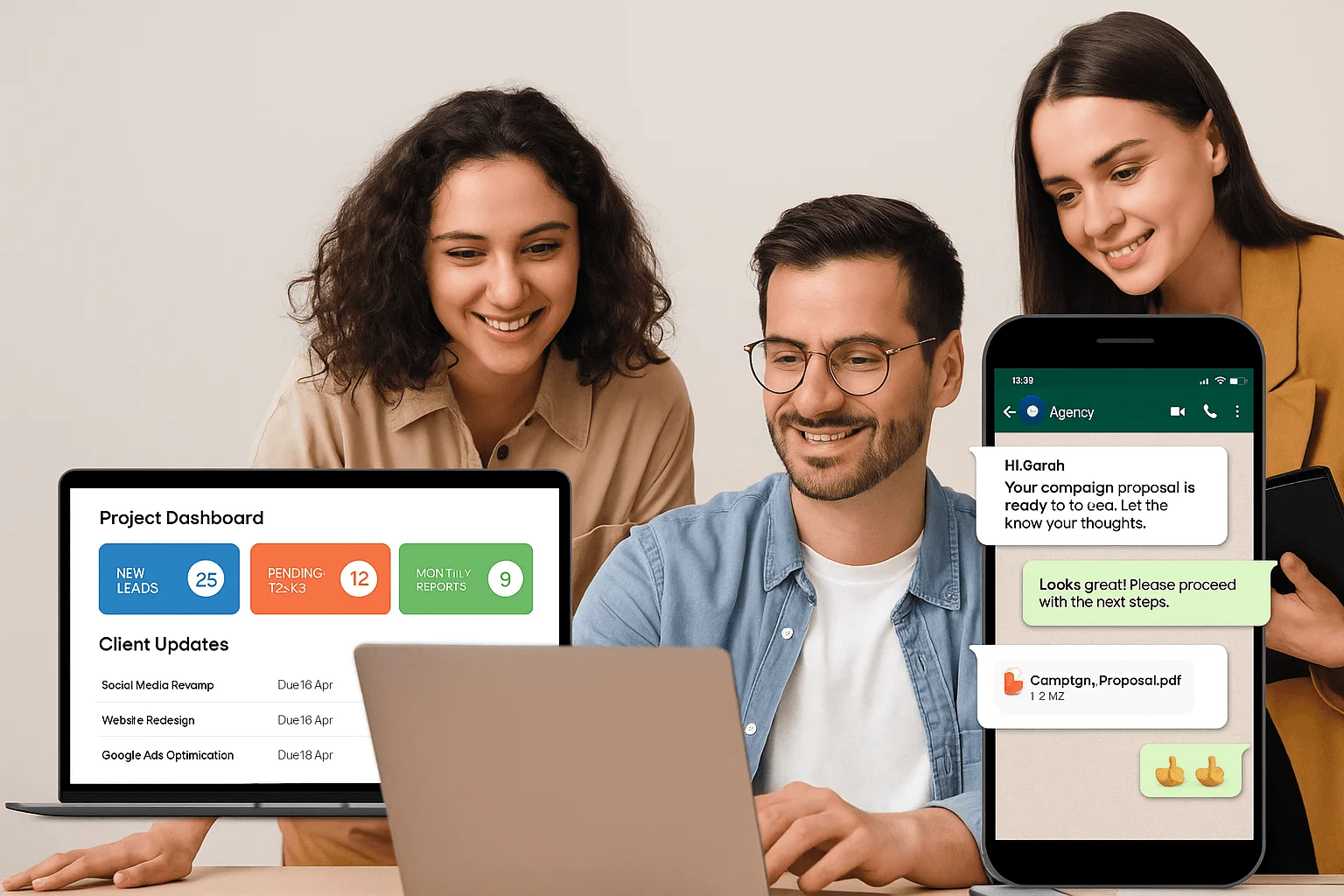
The foundation of effective WhatsApp lead handling begins with choosing the right platform and configuring your business profile properly. A well-structured WhatsApp setup ensures that incoming enquiries are organized, conversations remain manageable, and prospects receive fast and professional responses.
For small teams, this decision usually starts with selecting between the WhatsApp Business App and the WhatsApp Business API.
Choosing Between WhatsApp Business App and WhatsApp Business API
The platform you choose will determine how easily your team can manage conversations as lead volume grows. Many businesses start with the WhatsApp Business App and later upgrade to the API when they need multi-agent access and automation.
| Feature | WhatsApp Business App | WhatsApp Business API |
|---|---|---|
| Setup Cost | Free | Platform provider fees: $29–$150/month |
| Multi-Agent Access | Single device only | Unlimited team members |
| Best For | 2–3 person teams, up to 100 daily conversations | 4+ person teams, 100+ daily conversations |
| Automation | Limited | Advanced (CRM, routing, webhooks) |
| Message Pricing | N/A | $0.005–$0.009 per template message |
| Reporting | Basic analytics | Advanced analytics and dashboards |
WhatsApp Business App: Best for 2–3 Person Teams
The WhatsApp Business App is a simple and cost-effective solution for teams handling up to 100 daily conversations. Since the app is free and easy to set up, it works well for early-stage businesses or small sales teams that are still building their lead management systems.
Some key advantages include:
No setup costs or monthly subscription fees
Built-in message analytics and conversation statistics
Product catalog integration to showcase offerings
Labels that help organize conversations
Quick reply templates that reduce typing time
However, the app also comes with several limitations that teams must consider as lead volume increases.
Common limitations include:
Only one device can access the account at a time
Limited automation options
No true multi-agent access
Basic reporting features
Most conversation management remains manual
For very small teams, these limitations are manageable. But once lead volume increases or more team members need access to the same WhatsApp number, a more advanced solution becomes necessary.
WhatsApp Business API: Ideal for Larger Sales Teams
Teams with four or more members typically require the WhatsApp Business API to support shared access and advanced automation.
The API allows multiple agents to work from the same business number while maintaining full conversation history. It also enables automation tools that help manage lead routing, follow-ups, and CRM integration.
According to WhatsApp official pricing documentation, typical WhatsApp API costs include:
Template messages costing approximately $0.005 to $0.009 per message depending on country
Session messages that remain free for 24 hours after a customer sends a message
Platform provider fees ranging from $29 to $150 monthly
The main benefits of the API include:
Multi-agent access with role-based permissions
Automated lead routing and conversation assignment
CRM integrations and webhook support
Advanced analytics and reporting
Bulk messaging options for lead nurturing campaigns
For teams handling high lead volumes, the API provides the infrastructure needed to scale conversations efficiently.
Optimizing Your WhatsApp Business Profile for Sales
Your WhatsApp Business profile acts as a digital first impression. A well-optimized profile builds trust with prospects and improves response rates when new leads message your business.
A complete profile should include several important elements.
Essential Business Profile Information
Your business profile should clearly communicate who you are and how customers can contact you. Important elements include:
Business name that matches your website and marketing materials
A clear business description within 160 characters
Accurate business category selection
Complete address details for local credibility
Website link and contact email
Clearly defined business hours
Consistency across platforms also helps reinforce brand credibility.
Maintaining Visual Brand Consistency
Your WhatsApp profile should match the look and feel of your brand across other channels. This includes:
Using a professional logo or profile image
Maintaining consistent brand colors
Writing descriptions in a professional tone
Ensuring contact information matches your website and social media pages
A consistent presentation builds trust and improves engagement with prospects.
Using Quick Replies to Handle Common Questions Faster
Most WhatsApp enquiries follow similar patterns. Customers often ask about pricing, services, availability, or scheduling options. Creating quick reply templates allows sales teams to respond faster without typing long messages repeatedly.
Quick replies help teams save 2–4 minutes per conversation while still maintaining a personalized tone.
Examples of useful quick reply templates include:
Pricing inquiry response
"Thanks for asking about pricing. Our services start at $X, but the final cost depends on your specific needs. Could you share a little more about what you're looking for?"
Service explanation response
"Our service helps businesses achieve [specific result] through a structured process. I'd be happy to explain how this could work for your situation."
Appointment scheduling response
"I would be happy to discuss this further with you. I currently have availability on [day] at [time] or [day] at [time]. Which option works better for you?"
By preparing these templates in advance, teams can respond to enquiries much faster.
Setting Up Automated Greeting Messages
Automated greeting messages help acknowledge incoming enquiries immediately. This reassures prospects that their message has been received and prevents them from contacting competitors while waiting for a reply.
A simple greeting message example could be:
"Hi, thank you for contacting [Business Name]. We have received your message and will respond within 30 minutes during business hours (9 AM to 6 PM). If your enquiry is urgent, please call us at [phone number]."
This small automation significantly improves customer experience and response expectations.
Lead Qualification Workflow for Small Sales Teams
Once your WhatsApp setup is ready, the next step is identifying serious buyers quickly. Small teams cannot spend large amounts of time on every enquiry, so qualification becomes critical.
Proper qualification helps teams focus their time on prospects who are more likely to buy."Qualified leads convert at 50% higher rates than unqualified inquiries, making lead qualification one of the highest-ROI activities for small sales teams."
— HubSpot Sales Benchmark Report 2024
The Three Question Lead Qualification Framework
A simple three-question framework allows sales teams to identify high-quality prospects quickly.
1. Budget Qualification
Understanding the prospect's budget ensures that the conversation remains productive.
Example questions include:
"What budget range are you planning for this project?"
"To recommend the best solution, could you share your expected investment level?"
Budget alignment helps determine whether your service fits the prospect's expectations.
2. Timeline Qualification
Understanding urgency helps teams prioritize conversations.
You can ask questions such as:
"When are you planning to move forward with this?"
Typical timeline categories include:
Immediate (within 30 days)
Short term (1 to 3 months)
Long term (more than 3 months)
Leads with shorter timelines should always receive faster attention.
3. Decision Maker Identification
Understanding who makes the final decision prevents wasted conversations.
Useful questions include:
"Will you be making this decision or are others involved in the process?"
This helps sales teams identify authority levels and plan follow-up conversations effectively.
Lead Scoring to Prioritize WhatsApp Conversations
After qualification, leads should be categorized based on urgency and buying intent.
Hot Leads
Hot leads typically meet all major criteria:
Budget confirmed
Timeline within 30 days
Decision maker involved
These leads require immediate attention and quick follow-ups.
Warm Leads
Warm leads usually meet two criteria.
These prospects may require regular follow-ups and additional information before making a decision.
Cold Leads
Cold leads often lack urgency or budget clarity.
These leads should be placed into long-term nurturing sequences rather than immediate sales conversations.
Team Management and Lead Routing Best Practices
To maintain fast responses, small teams must implement structured lead distribution systems."Response speed is critical: Teams responding within 5 minutes convert 9x more leads than those responding after 30 minutes on WhatsApp platforms."
— Gartner Customer Service Report 2023
Round Robin Lead Assignment
In this system, leads are distributed evenly among team members.
Benefits include:
Balanced workload across the team
Fair distribution of opportunities
Easy implementation
This method works well when team members have similar skills.
Expertise-Based Lead Routing
In some cases, specific team members may specialize in certain topics.
Examples include:
Technical product questions assigned to product specialists
Pricing discussions handled by experienced closers
Customer support requests handled by support agents
This method ensures prospects receive accurate and efficient responses.
CRM Tools for Managing WhatsApp Leads
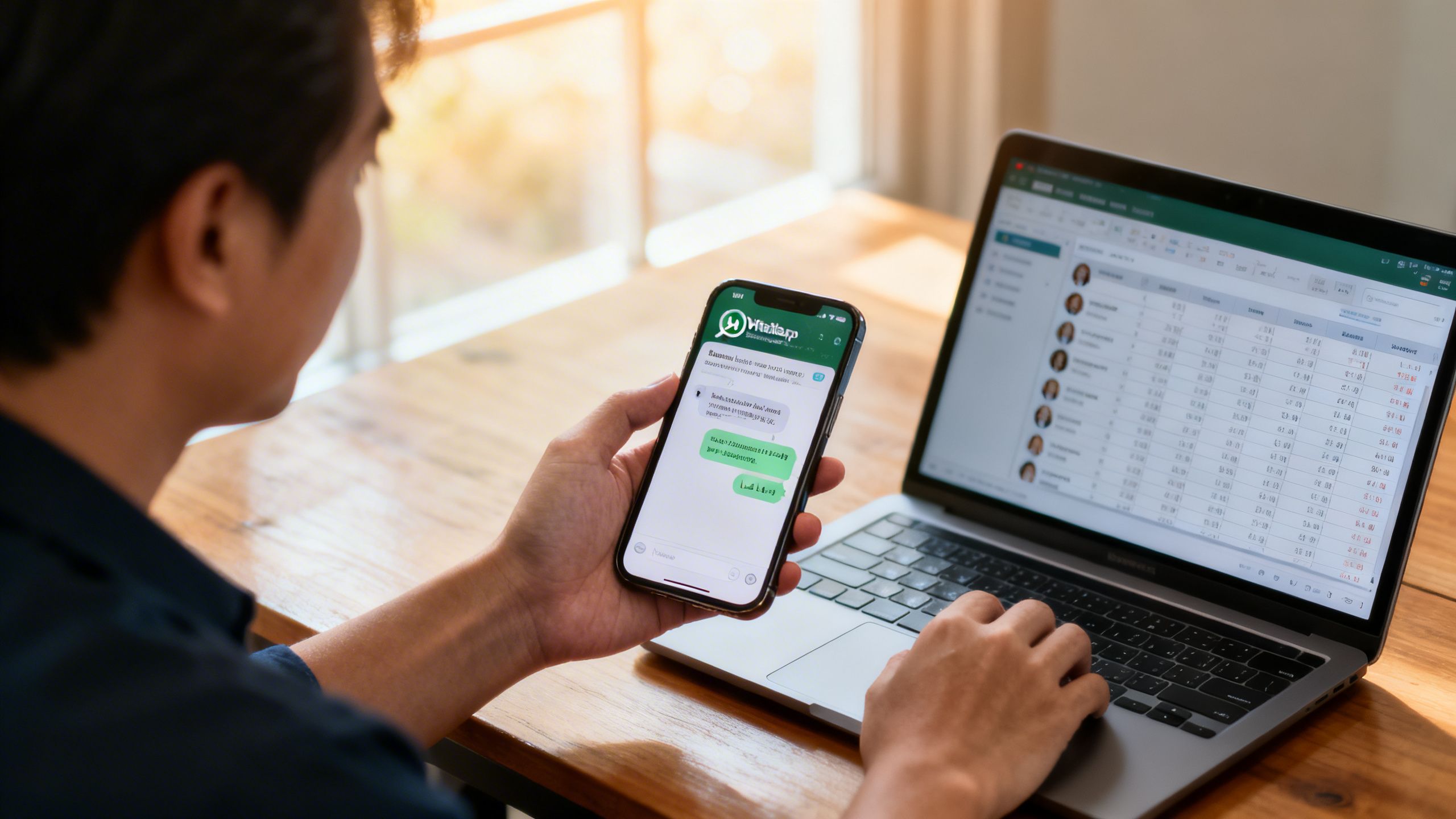
Small sales teams do not need expensive enterprise software to manage WhatsApp leads effectively. Many successful teams operate with tools costing under $200 per month.
Basic CRM Setup for Small Teams
A simple combination of tools can handle most lead management requirements.
Examples include:
Google Sheets for lead tracking
Zapier for automation between tools
Calendar tools for scheduling follow-ups
This setup allows teams to track conversations, assign leads, and schedule reminders without complex software.
Dedicated WhatsApp CRM Platforms
Specialized WhatsApp CRM platforms simplify lead management even further.
These platforms typically provide features such as:
Shared WhatsApp inbox for team members
Automated follow-up sequences
CRM style pipelines for lead stages
Conversation analytics and reporting
Platforms like Kraya AI help small sales teams organize conversations, automate follow-ups, and maintain visibility over every active lead.
Related: What Is WhatsApp CRM? WhatsApp CRM vs Traditional CRM for Indian SMBs
Related: How to Run Click-to-WhatsApp Ads That Generate Leads Your Sales Team Can Actually Close
Related: WhatsApp for B2B Sales: How Small Teams Close More Deals Without a Big CRM
Related: WhatsApp Sales Follow-Up Automation: How to Stop Missing Leads and Close More Deals
Related: Common Sales Problems Small Businesses Face
How Small Sales Teams Can Successfully Handle 50+ WhatsApp Leads Daily
```
Written by
Founder & CEO, Kraya AI
Abhyank Srinet is the Founder and CEO of Kraya AI, a WhatsApp CRM and sales automation platform serving 600+ Indian businesses. He is also the founder of MiM-Essay, one of India's largest Masters admissions consulting firms.
More from Abhyank