Lead Management Software for Small Businesses in India: Features, Costs and Setup
 Abhyank Srinet

Quick answer: Lead management software collects every enquiry from your ads, website, calls and WhatsApp in one place, then helps your team reply, qualify, follow up and track each lead until it buys or drops out. Small teams in India typically pay around ₹650–₹2,300 per user per month for per-user plans, plus 18% GST. If you use the WhatsApp Business API, Meta's message charges are billed separately, and some vendors also charge a one-time setup fee.
Introduction
Most small businesses in India do not have a lead problem. They have a tracking problem. A Facebook ad brings 40 enquiries on Saturday. Ten more arrive on WhatsApp late at night, a few people call during a meeting, and someone copies half of them into a Google Sheet on Monday. By Wednesday, nobody knows who was called or who went to a competitor. Lead management software for small businesses fixes this with one list, one owner for every lead, and follow-ups that happen on time.
This guide covers the seven features that matter for an Indian small business and what the software really costs once you add GST, setup fees and WhatsApp message charges. It then gives you a 10-day setup plan, a demo checklist, the consent rules you must follow, and example workflows for real estate, education, healthcare and travel.
What is lead management software?
Lead management software captures enquiries from all your sources, stores them in one database, and moves each lead through stages such as New, Contacted, Qualified, Site Visit or Demo, and Won or Lost. It tells your team who to contact next, reminds them to follow up, and shows which sources bring paying customers.
A full CRM (customer relationship management) system also handles life after the sale, such as invoices, support and renewals. Lead management is the front part, from first enquiry to sale, and it is where most small businesses lose money. For the wider picture, read what a CRM is and how it works.
How lead management software moves an enquiry from source to sale
Lead tracking vs lead management: what is the difference?
Lead tracking tells you a lead exists. Lead management makes sure someone acts on it.
Capability | Spreadsheet or basic tracker | Lead management software |
|---|---|---|
Lead entry | Typed or pasted by hand | Pulled in automatically from ads, forms, website and WhatsApp |
Duplicates | Same person appears two or three times | Matched by phone number and merged |
Ownership | Decided on the team WhatsApp group | Assigned by rule, such as round robin or by city |
Follow-ups | Depend on memory | Scheduled sequences and reminders |
Reporting | Manual counting | Leads, sales and response time by source and by rep |
Do you need lead management software, or is a spreadsheet enough?
A spreadsheet can work if one person handles a small number of leads from one source and replies to all of them the same day. You probably need software if two or more of these are true:
Leads arrive from three or more places, such as lead forms, Click-to-WhatsApp ads, your website and calls.
Two reps have called the same lead, or no rep called it at all.
Enquiries that arrive after 8 pm wait until the next working day.
You cannot say which campaign produced last month's paying customers.
Follow-ups stop after one or two messages because nobody is reminded.
Software will not fix a weak offer or poor ad targeting, and it adds a monthly cost and a learning curve. If you are not ready for software yet, start with this simple system to manage leads effectively. When you are ready to move, our Excel to CRM migration guide shows how to clean and import your existing data.
Which features matter most for an Indian small business?
Seven features decide whether a lead management tool works for a small Indian team. They are automatic lead capture, WhatsApp inside the CRM, instant first reply, lead qualification, follow-ups that stop when the lead replies, clear assignment and stages, and source-level reporting.
Seven features to check before you buy
1. Automatic lead capture from every source
Every enquiry should land in the software within seconds, with nobody copying it. Check for direct connections to Facebook and Instagram lead forms, your website, Google Sheets and any listing portal you use. Matching duplicates by phone number works best in India, where one buyer often fills two forms under slightly different names. See which sources Kraya's lead capture connects to.
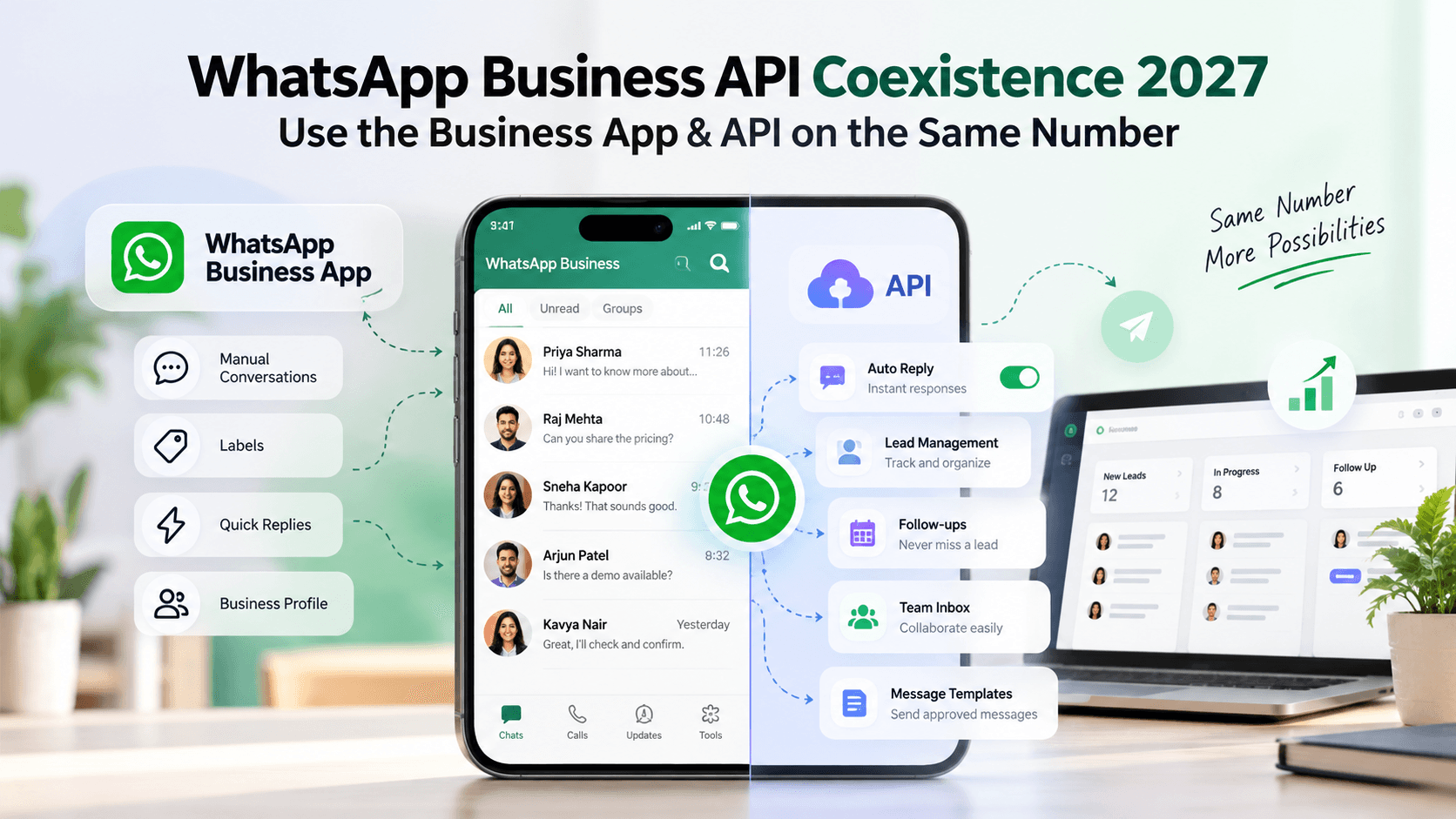
2. WhatsApp inside the CRM, on the official API
Most Indian customers prefer to reply on WhatsApp. Your rep should see the chat and the lead's budget, stage and notes on one screen. Ask whether the tool uses the official WhatsApp Business Platform (API). Tools that automate a personal WhatsApp account can get the number restricted. Read how a WhatsApp CRM works.
3. Instant first reply and lead qualification
A lead who enquires at 10:30 pm may have spoken to three other businesses by 10 am, which is why lead response time matters. Good software replies instantly, asks two to four qualifying questions (budget, location, timeline, need) and marks the lead hot, warm or cold. This ranking is called lead scoring. AI-led qualification can answer questions from your brochure, then hand hot leads to a person. Plan your questions with this guide on how to qualify leads.
4. Follow-ups that stop when the lead replies
Most leads do not buy on the first message. A follow-up sequence sends planned messages on, say, day 1, day 3 and day 7. Check the stop rule: the sequence should pause the moment the lead replies. Our automated follow-up sequences guide covers timing and examples.
5. Assignment rules and pipeline stages
Every lead needs exactly one owner. Look for round robin assignment, rules by city or product, and stages you can rename. A real estate pipeline might run New → Qualified → Site Visit Booked → Negotiation → Booked. See when to move leads between pipeline stages.
6. Source tracking and simple reports
For each campaign you should see leads received, leads qualified, sales closed and first-response time. This shows whether ₹50,000 of Meta ads produced customers or only form fills. Some tools also send "qualified" and "purchased" events back to Meta through the Conversions API, so ad delivery learns from real buyers.
7. Easy enough that your team actually uses it
Adoption is where most small-business CRM projects fail. Reps stop updating a tool that makes them switch apps and type notes after every call. Prefer tools that work on mobile, sit beside WhatsApp, and save notes in one or two taps.
Feature checklist to use in any demo
Feature | Question to ask the vendor |
|---|---|
Lead capture | "Show me a Facebook lead form entry arriving live." |
Duplicates | "What happens when one phone number comes from two sources?" |
"Is this on the official WhatsApp Business API?" | |
First reply | "What does a lead receive at 11 pm on a Sunday?" |
Qualification | "Can I set my own questions and hot, warm and cold rules?" |
Follow-up stop rule | "Does the sequence pause automatically when the lead replies?" |
Assignment | "Show me round robin and assignment by city." |
Reports | "Can I see sales by campaign, not only leads by campaign?" |
Data export | "Can I export all leads and chats to Excel at any time?" |
Total cost | "What will year one cost with GST, setup, add-ons and WhatsApp charges?" |
How much does lead management software cost in India?
For a small Indian team, per-user lead management software usually costs about ₹650 to ₹2,300 per user per month before GST. Free plans exist for a single user with limits. Your real cost also includes 18% GST, any setup fee, add-ons, extra seats, and WhatsApp Business API message charges from Meta.
Five cost lines make up what you really pay
The four pricing models you will see
Pricing model | How it works | Suits | Watch out for |
|---|---|---|---|
Free plan | ₹0, usually one user and a record cap (for example 500 records) | Solo founders testing | Few automations, no multi-user assignment |
Per user | Fixed price for each login | Teams of 2–10 | Cost grows with every hire; lowest price often needs annual billing |
Flat per business | One price, sometimes with unlimited users | Teams with many part-time users | Usage caps, higher entry price |
Setup fee + monthly fee | One-time build, then a platform fee | Teams that want the vendor to configure everything | What the setup includes, and what later changes cost |
Price points from public pricing pages
We checked the public pricing pages of several CRM and lead management tools sold in India on 25 November 2026. These are list prices, not quotes.
What we found | Listed price | Billing | GST |
|---|---|---|---|
Free single-user plans | ₹0, with record limits (one caps at 500 records) | Not applicable | Not applicable |
Global small-business CRM, entry tiers | US$7, US$12, US$18 per user per month (about ₹646, ₹1,107, ₹1,660) | Yearly | Added on top |
India-built sales CRM | ₹799 per user per month (₹1,099 quarterly); WhatsApp chat sync ₹200 per user per month; WhatsApp API setup ₹1,999 once | Annual or quarterly | Not stated |
Large global CRM, starter suite | US$25 per user per month (about ₹2,306) | Monthly or annual | Not stated |
Dollar prices are converted at ₹92.24 per US$1 (ECB reference rate, 25 November 2026). Some vendors publish separate rupee prices, so check their India page.
WhatsApp message charges are separate from software fees
If your tool sends messages through the WhatsApp Business Platform, Meta charges per delivered message on top of the software fee. Under Meta's pricing rules effective 1 October 2026:
Marketing, utility and authentication templates are charged per delivered message, at rates set by country and category.
Service messages (replies inside the 24-hour window after a customer writes to you) are free for the first 1,000 per business phone number each month. Meta charges from the 1,001st. Before 1 October 2026, these replies had no cap.
Click-to-WhatsApp ads open a free window. A customer messages you from the ad on the WhatsApp mobile app, and you reply within 24 hours. From then, Meta does not charge for marketing, utility, authentication or service messages to that customer for up to 7 days.
Indian providers reported Meta's India marketing rate at about ₹0.86 per message before GST from 1 January 2026. Confirm the current figure on Meta's rate card before you budget.
In practice, leads from Facebook lead forms must be contacted first with a paid template. Leads from Click-to-WhatsApp ads, answered quickly, cost nothing in Meta charges for their first week. Our Click-to-WhatsApp ads lead follow-up guide shows how to use that first week well.
How the lead source changes your WhatsApp message bill
Costs people forget to budget for
Most software prices exclude 18% GST (Kraya's own pricing calculator adds it at checkout). Also budget for setup or onboarding fees, extra seats as you hire, add-ons such as WhatsApp sync, calling or AI credits, and two to four hours of training per person.
Illustrative example: a three-person team
This is an illustrative calculation, not a quote. A Pune interior design studio has three reps and gets about 600 leads a month from Facebook lead forms.
Cost line | Per-user CRM with WhatsApp add-on (₹799 plan above) |
|---|---|
Software: 3 users × ₹799 | ₹2,397 per month |
WhatsApp sync: 3 × ₹200 | ₹600 per month |
WhatsApp API setup | ₹1,999 once |
Meta charges: 600 leads × 3 templates × about ₹0.86 | About ₹1,550 per month (reported rate) |
GST at 18% on the monthly lines | About ₹818 per month |
Monthly total | About ₹5,365, plus ₹1,999 once |
In this example the software subscription is only about 45% of the monthly bill. With Click-to-WhatsApp ads and quick replies instead, most of the first-week Meta charges disappear.
What does Kraya AI cost?
Kraya AI publishes its prices on the Kraya pricing page. As of 25 November 2026, every plan has a one-time build fee plus ₹2,999 per month for the main seat, excluding GST.
Kraya plan | One-time build | Monthly | Best for |
|---|---|---|---|
Lead Recovery | ₹9,999 | ₹2,999 | Teams happy to configure AI replies and flows themselves |
Done For You | ₹21,999 | ₹2,999 | Single-product businesses that want the system built and live in 7–10 working days |
Growth Lab | ₹49,999 | ₹2,999 | Businesses with up to 10 product lines, plus AI calling and advanced automation |
The main seat includes 7,500 AI credits a month. Each extra seat costs ₹1,299 per month and adds 2,500 credits. For the three-person team above, that is ₹2,999 + 2 × ₹1,299 = ₹5,597 a month before GST, plus the build fee. Longer billing cycles cost less. Ask the Kraya team how Meta's message charges are billed on your account.
Want your own cost estimate? Tell us your lead sources and team size on a free demo call, and we will map what each lead would cost you to answer and follow up.
How do you set up lead management software? A 10-day plan
A small team can set up lead management software in about 10 working days. You clean your data, define stages, connect lead sources and WhatsApp, write replies and follow-ups, set assignment rules, test, then train the team.
A day-by-day plan for a small sales team
Day 1: List every lead source. Each Meta ad account and Page, website forms, the WhatsApp number, phone calls, portals and walk-ins.
Day 1–2: Clean your data. Export your sheets, format phone numbers as +91 plus 10 digits, remove duplicates and add a "source" column.
Day 2: Define five to seven stages. Use your team's words, with one line saying when a lead enters each stage. Example: "Qualified = budget and timeline confirmed."
Day 3: Connect lead sources. Link Meta lead forms, your website widget or form, and Google Sheets (see how a Google Sheets and WhatsApp CRM integration works). Submit one test lead per source and confirm it arrives within a minute.
Day 3–4: Connect WhatsApp on the official API. Verify your business in Meta Business Manager. Ask your vendor whether your current WhatsApp Business app number can stay active alongside the API. Add a payment method so service messages keep going after the free 1,000.
Day 4–5: Write the first reply and qualifying questions. Keep the first message under 50 words and ask two to four questions. If the tool uses AI, upload your brochure, price list and top 20 customer questions.
Day 5–6: Build two follow-up sequences. One for leads who never replied, one for leads who went quiet after a call or quote. Submit templates to Meta early, because approval can take time.
Day 6: Set assignment rules. Round robin, by city, by product, or a mix. Decide who covers a rep on leave.
Day 7–8: Test end to end. Have a friend fill a form at night, reply mid-sequence and ask an unusual question. Check the pause, the assignment and the reminder.
Day 9–10: Train and go live. Run a 45-minute session with three rules: update the stage after every call, never message leads from a personal number, and close every lead as Won or Lost with a reason.
Kraya AI's pricing page says its Done For You setup typically goes live in 7–10 working days.
What rules apply to customer consent and data?
You must have a lead's permission before messaging them on WhatsApp, honour opt-outs, and protect their personal data. These rules come from Meta's policies and India's data protection law.
WhatsApp opt-in. Meta's opt-in rules require permission before you message people, a clear statement that they are agreeing to receive messages, and your business name. The opt-in can be general rather than WhatsApp-specific. Add a consent line to every lead form.
Opt-outs. Remove anyone who says "stop" from all sequences. When people block or report your messages, Meta lowers your number's quality rating, which can limit how many people you can message.
India's DPDP Rules. The Digital Personal Data Protection Rules, 2025 were notified on 14 November 2025. Most business obligations, such as clear notices, security safeguards, breach reporting and retention limits, phase in over 18 months, according to the Government of India's PIB explainer. Collect only what you need, limit who can export lead lists, and ask vendors where data is stored.
This is general information, not legal advice.
How do you choose the right lead management software?
Choose the tool that fixes your biggest leak first. If leads go unanswered, prioritise instant replies and qualification. If they go cold after the first call, prioritise follow-up automation. If you cannot tell which ads work, prioritise source tracking.
Then work out year-one cost, including the seats you will need in six months. During the trial, submit a lead from your own phone at 11 pm and see what happens before morning. For a brand-by-brand comparison, see our list of CRM software for small businesses in India.
How do different industries use lead management software?
The workflow stays the same, but qualifying questions and follow-up timing change by industry. These examples are illustrative, not customer case studies.
Industry | Common lead sources | Qualifying questions | Follow-up rhythm |
|---|---|---|---|
Real estate | Lead forms, property portals, Click-to-WhatsApp ads | Budget, location, ready or under construction, loan needed | Site visit reminder the day before, weekly inventory update |
Education and study abroad | Instagram ads, webinars, website forms | Course, country, intake, test scores, budget | Counselling slot within 48 hours, deadline reminders |
Clinics and healthcare | Google search, WhatsApp, walk-ins | Treatment, preferred date, location, insurance | Confirmation, reminder 24 hours before, post-visit check-in |
Travel agencies | Instagram and Facebook ads, referrals | Destination, dates, travellers, budget | Itinerary within a day, price-hold expiry reminder |
Industry setups are covered in our guides for real estate, coaching and edtech, healthcare and travel businesses.
Where does Kraya AI fit?
Kraya AI is a WhatsApp-first CRM and AI lead qualification tool for Indian small and mid-sized sales teams whose leads come from Meta ads and other online sources. According to its product pages, Kraya:
Captures leads from Facebook and Instagram lead forms, a website WhatsApp widget, Google Sheets and CSV or Excel imports, and removes duplicates by phone number.
Qualifies leads with AI on WhatsApp, 24/7, using your knowledge base, scores them hot, warm or cold, and hands qualified leads to a rep. See AI lead qualification.
Runs follow-ups from a rep's own WhatsApp or through approved templates, and pauses them when the lead replies. See automated follow-ups.
Organises the pipeline with custom stages, automatic assignment, reminders and a Chrome extension that shows the lead record inside WhatsApp Web. See Kraya's lead management features.
Sends conversion events back to Meta through the Conversions API.
Kraya may not fit if your sales run mainly on email and in-person enterprise meetings, or if one person can comfortably reply to every lead the same day.
Stop losing leads you have already paid for
If your enquiries are spread across Meta ads, WhatsApp chats, phone calls and a spreadsheet, start by getting every lead answered, owned and followed up. See how Kraya AI qualifies and follows up leads on WhatsApp for a business like yours.