WhatsApp CRM Integration Guide: Connect With Your Existing Tools (2026)
 Abhyank Srinet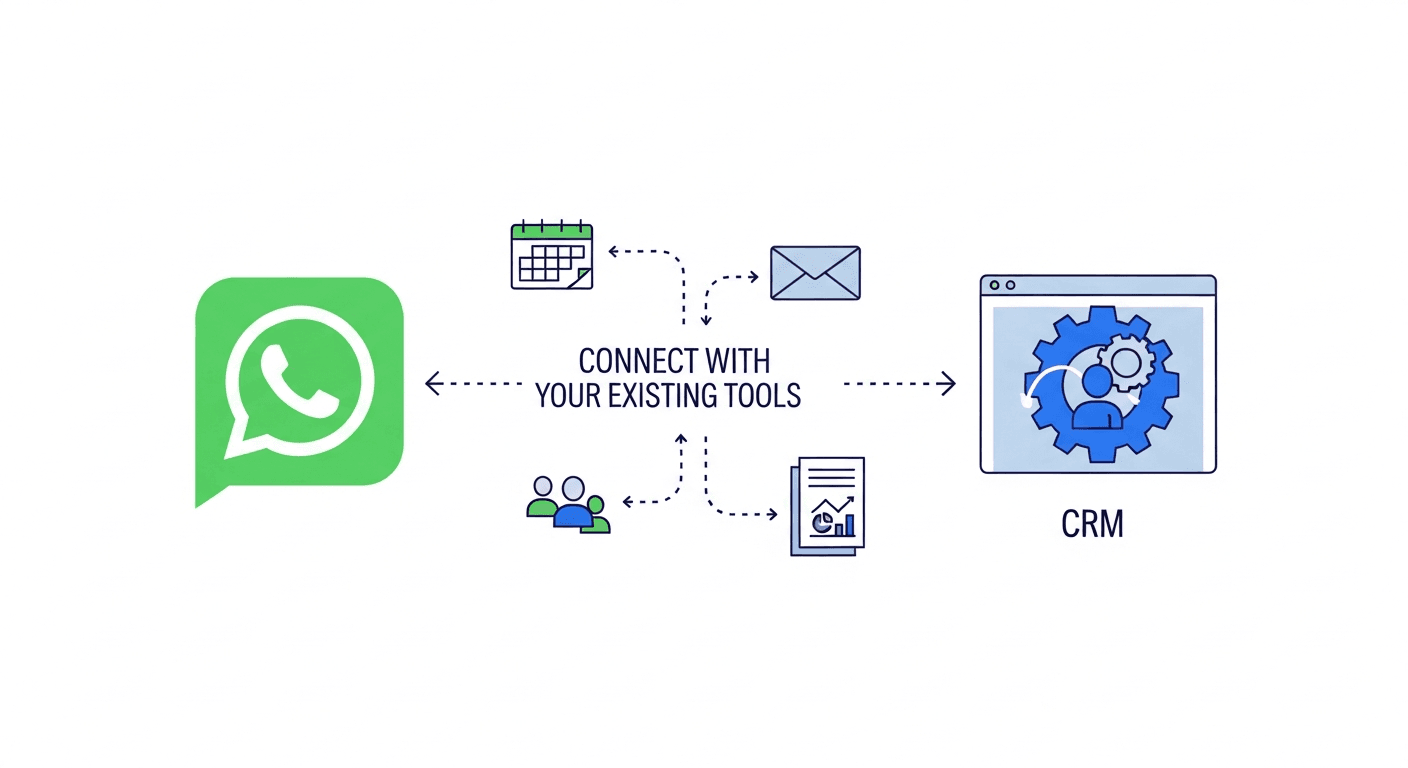
Most Indian sales teams have the same WhatsApp chaos problem: leads from JustDial land in an inbox, leads from Meta Ads land in a spreadsheet, leads from IndiaMART land in another inbox, and someone is supposed to manually copy-paste them all into WhatsApp conversations. Every disconnected tool is a lead that waits an extra hour to get a reply. WhatsApp CRM integration eliminates that — connecting your lead sources, existing CRMs, and communication tools to a single WhatsApp-based pipeline where every lead is automatically captured, assigned, and followed up.
The challenge is that most WhatsApp CRM integration guides were written for global enterprise teams using Salesforce and HubSpot. Indian SMBs generating leads from JustDial, IndiaMART, and Meta Lead Ad Forms — and managing calls through MyOperator or NeoDove — are working with a completely different stack. This guide covers how WhatsApp CRM integration actually works for Indian businesses: which tools connect natively, what data flows where, and how to set up in under an hour without a developer.
- WhatsApp CRM integration means different things: lead source ingest, CRM sync, telephony logging, and website capture — each requires a different setup
- Global CRMs (HubSpot, Salesforce) don't natively support JustDial, IndiaMART, or Indian telephony tools without middleware
- Native integrations (no Zapier) eliminate latency and per-task billing that Zapier-based connections introduce
- Meta Conversions API integration — sending CRM stage changes back to Meta — improves ROAS on Facebook/Instagram ad campaigns
- Phone deduplication across lead sources prevents the same contact from appearing as multiple leads in your pipeline
- WhatsApp Business API requires registration through an official Meta Business Solution Partner (BSP) — standard free app cannot connect to CRM tools
What Is WhatsApp CRM Integration?
WhatsApp CRM integration is the connection between WhatsApp (the communication channel where your sales conversations happen) and the systems that capture, track, and manage those leads. At its simplest, it means a lead from a Facebook Ad lands in your WhatsApp pipeline without you manually copying it there. At its most complete, it means every lead source, CRM system, telephony tool, and website widget feeds into a unified WhatsApp sales pipeline with automated follow-up, stage tracking, and performance reporting.
There are three distinct levels of WhatsApp CRM integration, each building on the previous:
Level 1 — Lead Source Ingest: Connecting ad platforms and marketplace sources so that leads automatically create entries in your WhatsApp pipeline. JustDial sends a new inquiry → a lead is created. Meta Lead Ad fires → a contact is added with the form data. This is the most immediately valuable integration for Indian businesses because it eliminates the manual copy-paste that most teams are currently doing.
Level 2 — CRM Two-Way Sync: Connecting your existing CRM (Zoho, HubSpot, GoHighLevel) to your WhatsApp pipeline so that data flows in both directions. A lead's status change in WhatsApp updates the CRM; a new contact added to Zoho also appears in the WhatsApp pipeline. This matters for businesses that have both an existing CRM workflow and a WhatsApp sales motion and need them to stay in sync without double-data-entry.
Level 3 — Conversions and Feedback Loop: Sending pipeline stage changes back to ad platforms so the algorithm optimises for revenue, not just leads. The Meta Conversions API, for example, lets you tell Facebook that a lead who reached "Demo Booked" stage has a higher value than one who just enquired — the algorithm learns to find more leads like the demo-booked ones. This is available on WhatsApp platforms that support native Meta Conversions API integration.
Why Indian Businesses Need WhatsApp CRM Integration Differently Than Global Tools Assume
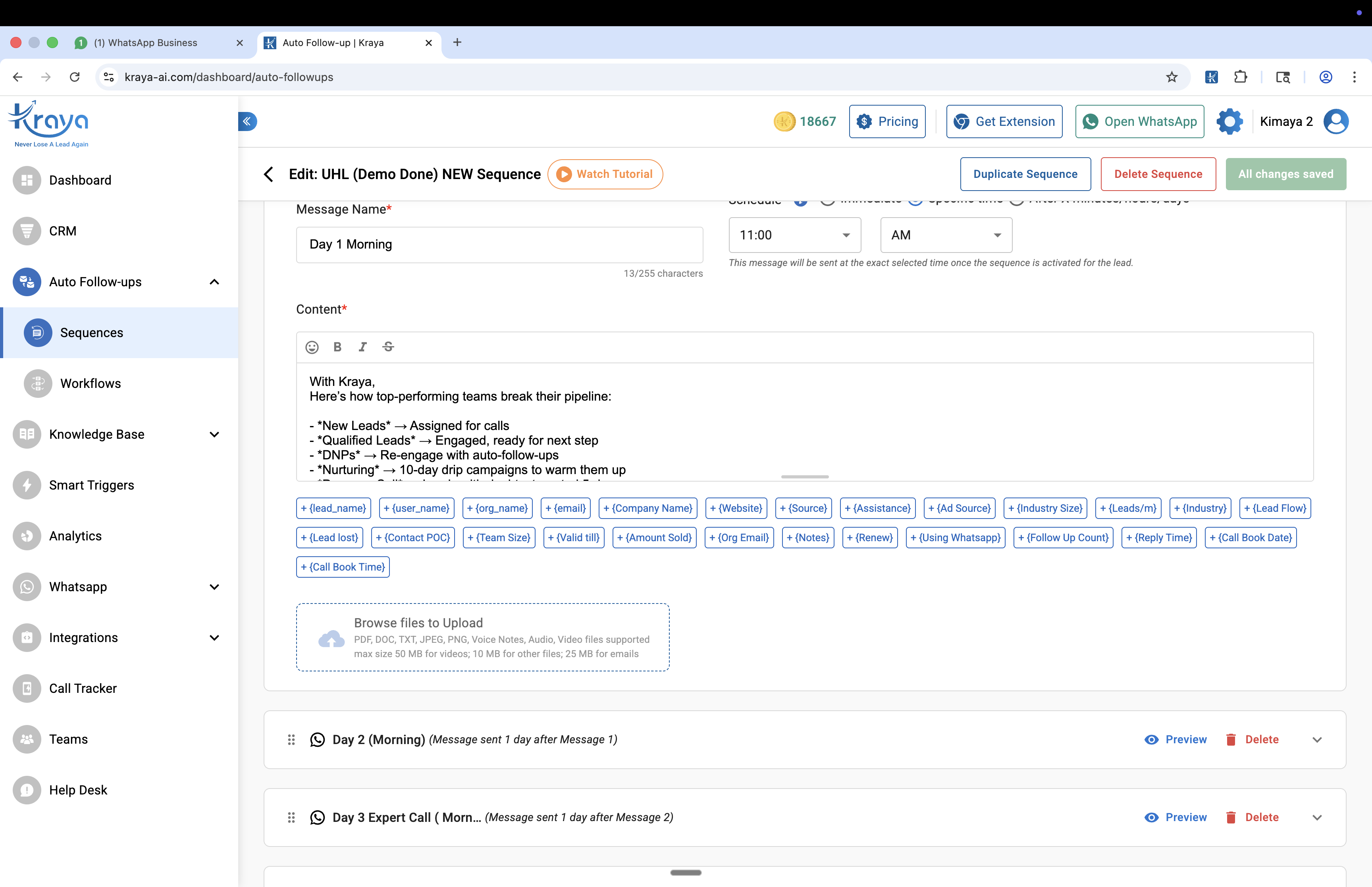
Every global WhatsApp CRM integration guide starts with Salesforce, HubSpot, and Zendesk — the enterprise tools that dominate the Western market. These tools don't natively connect to JustDial, IndiaMART, MyOperator, or NeoDove. That's not a criticism — they're not designed for Indian SMB lead sources. But it means that Indian businesses following global integration guides hit walls at the exact integrations they actually need.
The Indian SMB lead stack looks like this for most businesses: leads from Meta Lead Ads (Facebook/Instagram campaigns), leads from JustDial or IndiaMART (marketplace enquiries), website visitors via a WhatsApp chat widget, and incoming calls tracked through MyOperator or NeoDove. A WhatsApp CRM platform that handles all five natively — without Zapier in the middle — is solving a fundamentally different integration problem than the ones covered in most documentation.
The "Zapier tax" is real: Zapier adds ₹2,000–₹8,000/month in per-task billing for businesses running high-volume lead flows through automation middleware. For a business receiving 500 JustDial leads per month through Zapier, that's 500 Zaps fired per month — billed at the per-task rate on top of the Zapier subscription. Native integrations eliminate this cost and the latency that comes with multi-step automation.
The 5 Types of WhatsApp CRM Integration
| Integration Type | What It Does | Setup Time | Examples |
|---|---|---|---|
| Lead Source Ingest | Auto-creates leads from ad platforms and marketplaces | <5 min | Meta Lead Ads, JustDial, IndiaMART |
| CRM Two-Way Sync | Keeps existing CRM and WhatsApp pipeline aligned | 10–15 min | Zoho CRM, GoHighLevel, NeoDove |
| Telephony Integration | Logs call data as lead activity in WhatsApp pipeline | 5–10 min | MyOperator, NeoDove, Call Tracker |
| Website Lead Capture | Chat widget and banner capture website visitors as leads | 2 min | WhatsApp Chat Widget, Website Banner |
| Developer/Custom | REST API and webhooks for any tool not natively supported | Varies | External API, Outbound Webhooks |
Ad Platform and Lead Source Integrations
The most impactful WhatsApp CRM integrations for Indian businesses are the lead source connections — because these are the point where manual work currently happens and where speed matters most. Research consistently shows that responding to a lead within 5 minutes increases conversion rates dramatically. Every minute spent manually copying a JustDial lead into WhatsApp is a minute of competitive disadvantage.
KRAYA AI — WhatsApp CRM for Indian Sales Teams
Automate your WhatsApp Crm Integration workflows with Kraya AI
Kraya's AI agent qualifies leads, follows up automatically, and routes conversations to the right sales rep — 24/7. Used by 600+ Indian sales teams across coaching, real estate, healthcare, and more.
Book a Free Call →Meta Lead Ad Forms: When a prospect fills out your Facebook or Instagram lead form, the data (name, phone number, form responses) flows directly into your WhatsApp pipeline as a new lead — no manual action required. Kraya AI's Meta Lead Ad integration supports multi-Page connections (multiple Facebook Pages through a single account), custom column mapping (mapping form fields to CRM attributes), and phone deduplication (so a lead who filled the same form twice doesn't appear as two separate contacts). Setup involves a one-time OAuth connection to your Facebook Business account — typically under 5 minutes.
JustDial: JustDial sends new enquiries via a secure webhook payload — business name, phone number, enquiry details, and timestamp. Kraya AI's JustDial integration normalises the JSON payload, deduplicates by phone number, and auto-creates the lead in your designated pipeline with the enquiry details as the lead context. This is tagged as India-only — no global WhatsApp CRM platform has a native JustDial connection without Zapier middleware.
IndiaMART: IndiaMART buyer enquiries follow the same pattern — webhook ingest, JSON normalisation, phone deduplication, pipeline assignment. The specific challenge with IndiaMART is that buyer enquiries often use the same phone number across multiple products — the deduplication logic needs to check whether an existing contact in the pipeline has the same phone, not create a duplicate lead for each product enquiry. Kraya AI's IndiaMART integration handles this deduplication automatically.
Meta Conversions API (unique differentiator): Most WhatsApp platforms handle the inbound side — leads from Meta Ads into WhatsApp. The Meta Conversions API runs in the opposite direction: it sends your CRM stage changes back to Meta so the algorithm knows which lead stage has value. When a lead in your pipeline reaches "Demo Booked" or "Contract Sent," Kraya AI can fire a conversion event to Meta, telling the algorithm that this type of lead is worth optimising for. Over time, Meta's algorithm learns to find more people who book demos — not just people who fill forms. This is the only WhatsApp CRM integration that directly improves your Facebook and Instagram ad ROAS.
CRM Sync Integrations
Two-way CRM sync matters when your business has both an existing CRM workflow and a WhatsApp sales motion and needs them to stay aligned without double-entry. The key question is direction: one-way (CRM pushes leads to WhatsApp, or WhatsApp pushes updates to CRM) versus two-way (changes in either system reflect in the other).
Zoho CRM: The most common India-business CRM. Kraya AI's Zoho integration connects via OAuth and syncs name, email, phone number, pipeline stage, and notes bidirectionally. The initial import can pull existing Zoho contacts into Kraya's pipeline; ongoing sync keeps both systems updated as deals progress. This eliminates the common problem of sales managers who check Zoho for deal status but actually manage their deals through WhatsApp conversations — the Zoho record stays current automatically.
GoHighLevel: Used primarily by marketing agencies and consultants, GoHighLevel's WhatsApp CRM integration syncs lead data and pipeline stage between GoHighLevel's CRM and Kraya's WhatsApp pipeline. Agencies running WhatsApp campaigns for multiple clients through a single Kraya account can route different lead pipelines to different GoHighLevel sub-accounts.
Google Sheets: Not a CRM in the traditional sense, but the most common "CRM" for Indian SMBs that haven't adopted a dedicated CRM yet. Kraya's Google Sheets integration works as a lightweight bridge: an authorized sheet's rows act as a lead source, with phone dedup, pipeline assignment, and custom attribute mapping. For teams managing leads in a shared Google Sheet today, this is the zero-friction path to structured pipeline management.

Telephony Integrations
Telephony integration is the least-discussed WhatsApp CRM integration category — and one of the highest-value for Indian sales teams. When a salesperson calls a lead and has a 15-minute conversation, that call data (duration, outcome, recording) should automatically log against the lead's record in the WhatsApp pipeline. Without telephony integration, that call data exists in the telephony system and the WhatsApp conversation exists in the messaging platform — and the lead's full history is split across two tools.
MyOperator: When an incoming call from a prospect is handled by MyOperator, the integration auto-creates a lead entry in Kraya's pipeline (if one doesn't exist for that phone number) and logs the call details — duration, call status, recording URL, and the handling agent's name. Sales managers can see the full communication history: WhatsApp messages plus call recordings in a single lead timeline.
NeoDove: NeoDove is both a CRM and a calling tool — the integration syncs in two directions. Leads added in NeoDove appear in Kraya's WhatsApp pipeline; WhatsApp stage changes reflect back in NeoDove. For teams using NeoDove for structured calling cadences alongside WhatsApp follow-ups, this two-way sync eliminates the need to manually update lead status in both tools after each call.
Call Tracker App: An Android app that syncs call logs from a salesperson's mobile phone with the CRM. Field sales teams who make calls from personal numbers (common in India's B2B context) get automatic call history, analytics, and follow-up reminders — with lead details visible on-screen during the call.
Website Lead Capture
Two types of website integrations capture visitors directly into your WhatsApp pipeline:
WhatsApp Chat Widget: A floating chat button that appears on your website. When a visitor taps it, it opens a WhatsApp conversation — and Kraya auto-creates a lead in the pipeline from the first message. No form to fill, no data to transfer. The lead is created with the visitor's WhatsApp profile name and phone number as soon as the conversation starts.
Website Banner: A customisable top-bar or bottom-bar banner on your website driving visitors to a specific WhatsApp number or campaign. Useful for time-bound offers, event registrations, or product launches where you want to capture WhatsApp opt-ins directly from website traffic.
The hidden cost in website-to-WhatsApp capture isn't the integration setup — it's the drop-off between a visitor clicking the widget and sending the first message. An opt-in that requires opening WhatsApp, confirming a pre-filled message, and tapping send has more friction than a form submit. For high-traffic websites, A/B test the widget against a form-to-WhatsApp flow to establish which generates more qualified pipeline entries, not just more widget clicks.
What to Do If Your Tool Isn't Listed
For tools not covered by native integrations, three paths exist:
External API (HTTP POST): Any system that can make an HTTP POST request can create or update leads in Kraya — passing phone number, name, pipeline assignment, stage, and custom attributes. Developers familiar with REST APIs can connect any tool in the same time it takes to configure a standard webhook. Documentation is available at Kraya's developer docs.
Outbound Webhooks: Kraya fires a real-time JSON POST to any HTTPS endpoint on every lead create or update event. This enables any downstream system to receive WhatsApp pipeline data without polling — relevant for analytics tools, custom dashboards, or business intelligence systems.
CSV/XLSX Import: For bulk operations — importing existing contact databases, migrating from another platform, or running a one-time campaign from a list — Kraya supports bulk import of up to 25,000 leads with column mapping, dry-run preview (see what will be created before committing), round-robin distribution across sales reps, and optional auto-assignment to follow-up sequences.
Zapier and n8n can also bridge the gap for tools without native integrations — using the webhook layer as the connection point. The trade-off versus native integrations: additional latency (typically 1–5 minutes vs real-time), per-task billing on Zapier's paid plans, and an additional failure point in the integration chain. For low-volume or infrequent integrations, Zapier is fine. For high-volume lead sources (500+ leads/day), native beats middleware every time.
Best Practices for WhatsApp CRM Integration Setup
Phone number normalisation: Indian phone numbers appear in multiple formats — +91-9876543210, 09876543210, 9876543210. Your deduplication logic needs to normalise these to a single format before checking for duplicates. Sending the same lead to two different salespeople because the same number appeared in two formats is a real problem. Kraya's integrations normalise to E.164 format (+91 prefix) before dedup checks run.
Pipeline stage naming consistency: Before connecting any integration, define your pipeline stages and keep them consistent across tools. Zoho calling a stage "Qualified" and Kraya calling the same stage "Hot Lead" creates sync confusion. Align naming before the sync runs.
Consent and DPDP Act compliance: India's Digital Personal Data Protection Act (DPDP) requires that you have explicit consent to contact individuals on WhatsApp. For leads from Meta Lead Ad Forms, the form submission itself constitutes consent. For JustDial and IndiaMART leads, the marketplace's own consent language typically covers contact via phone and messaging. For cold contact lists, verify you have consent before importing. Document the consent basis for each lead source — this matters if you receive a compliance inquiry.
Deduplication strategy: Decide in advance what happens when a lead from JustDial and a lead from Meta Ads share the same phone number. Merge them? Create a new lead? Keep separate? Most businesses choose to merge (same contact, multiple enquiry sources) — but configure this explicitly rather than letting the default behavior create duplicates.
For more on structuring your WhatsApp sales process once integrations are live, read our guides on qualifying WhatsApp leads, setting up WhatsApp automated follow-up sequences, and the data on why reply speed is the single largest lever on WhatsApp conversion rates.
How to Evaluate WhatsApp CRM Integration Options
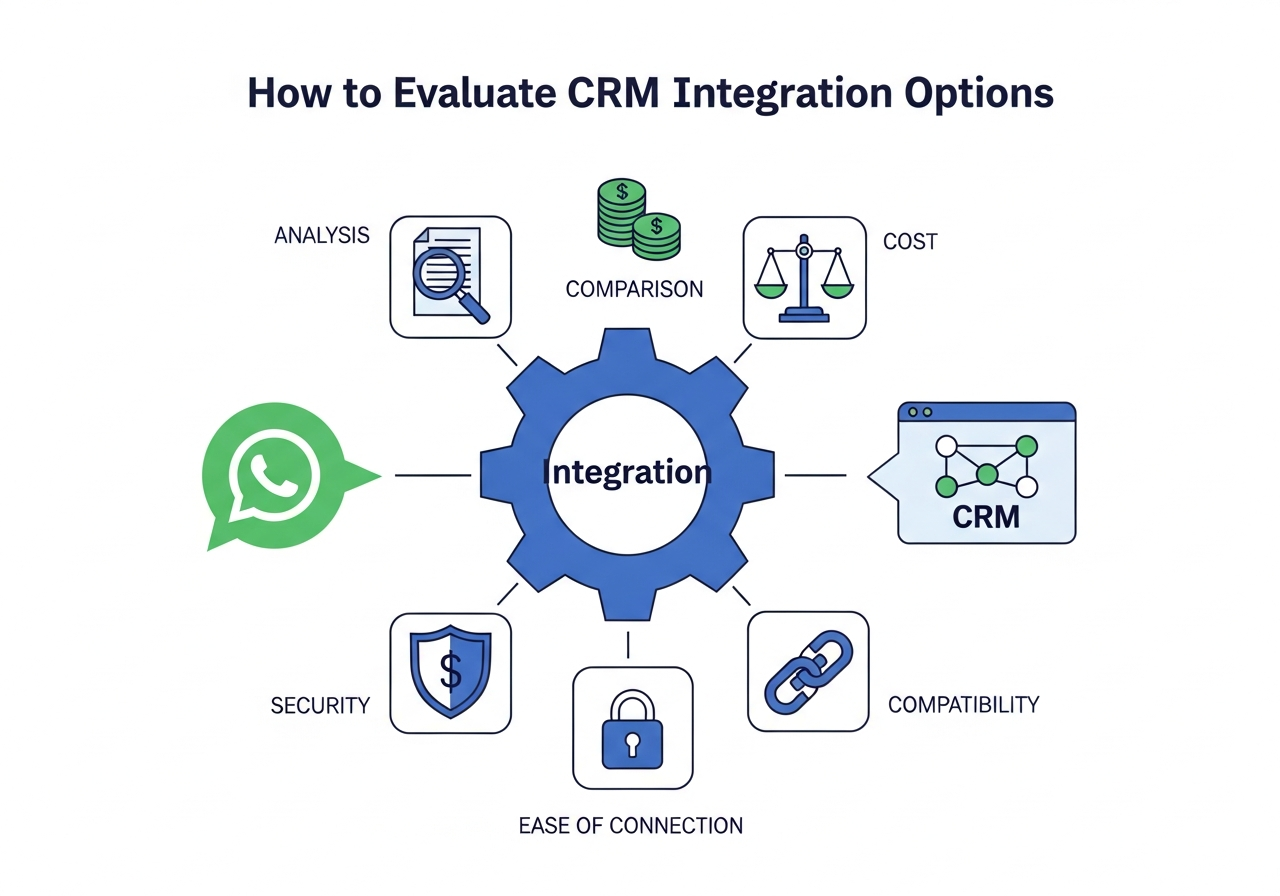
When comparing WhatsApp platforms on integration depth, ask four questions:
1. Are your specific lead sources natively supported? JustDial, IndiaMART, Meta Lead Ad Forms — verify native vs Zapier. Native means real-time, no per-task cost, no middleware failure point. Zapier means delays, added cost, and additional configuration.
2. Is the CRM sync two-way or one-way? One-way sync (CRM → WhatsApp only) means WhatsApp stage changes never reach your CRM. Two-way sync keeps both systems current. Verify the direction before assuming sync covers both.
3. Is telephony covered? If your team makes calls via MyOperator, NeoDove, or a similar tool, verify whether the WhatsApp platform natively logs call data. Most platforms don't — Kraya AI does.
4. What is the Meta Conversions API situation? Only platforms with Meta Conversions API support can close the loop between WhatsApp CRM stage changes and Meta ad algorithm optimisation. If you spend on Facebook or Instagram ads, this integration directly affects ad ROI.
Frequently Asked Questions About WhatsApp CRM Integration
Do I need a developer to set up WhatsApp CRM integrations?
No — for native integrations (Meta Lead Ads, JustDial, IndiaMART, Zoho CRM, Google Sheets), setup is configuration-based: connect via OAuth or webhook URL, map fields, test a sample lead. No code required. For custom integrations (External API or Outbound Webhooks), basic familiarity with HTTP requests is needed — a developer's help may be useful for complex custom implementations, but it's not required for the standard integration set.
Can I use Kraya AI alongside my existing CRM?
Yes — two-way sync is specifically designed for this. Leads and stage changes sync between Kraya and your CRM (Zoho, GoHighLevel, NeoDove) so both systems stay current. You don't need to choose between your existing CRM and WhatsApp-based pipeline management — the integration keeps them aligned. The common pattern: sales reps manage leads in Kraya's WhatsApp pipeline; managers view pipeline status in Zoho CRM. Both see the same data.
What if the same lead comes from JustDial and Meta at the same time?
Phone number deduplication handles this. When a lead arrives from a second source with the same phone number as an existing lead, Kraya checks for a match before creating a new entry. Default behavior: merge the new source data into the existing lead record (so the lead shows both the JustDial enquiry and the Meta Ad form fill as lead sources). The sales rep gets the full context; no duplicate outreach.
Does WhatsApp CRM integration work with any WhatsApp number?
WhatsApp CRM integration requires the WhatsApp Business API — the number must be registered via an official Meta Business Solution Provider (BSP). Numbers using the standard WhatsApp Business App (free app) cannot be connected to CRM integrations. The API registration process takes 24–72 hours and requires a Facebook Business Manager account. Read the full WhatsApp Business API application guide for step-by-step instructions.
What is the Meta Conversions API and should I use it?
The Meta Conversions API lets you send server-side conversion events from your CRM back to Meta — telling the ad algorithm that specific lead stages (Demo Booked, Contract Sent) represent real business value. Unlike the standard Meta Pixel (which tracks website actions), the Conversions API sends CRM-level data. This improves campaign attribution accuracy, helps Meta's algorithm optimise for high-value leads rather than just any lead, and typically improves ROAS over time. If you spend ₹50,000+/month on Facebook or Instagram ads, the Conversions API integration pays for itself through improved targeting efficiency.
Is there a free way to connect WhatsApp to my CRM?
Meta's WhatsApp Business API has a free tier — 1,000 service conversations per month at no charge from Meta. The WhatsApp Business App (free) has no CRM integration capability. For actual API-level CRM integration, you need a BSP platform — most charge a monthly subscription starting around ₹1,500–₹3,000/month. Kraya AI offers a free tier with limited functionality (5 pipeline stages, 50 AI replies) to test integration before committing to a paid plan.
How long does it take to set up WhatsApp CRM integration?
For individual integrations: Meta Lead Ads (5 min), JustDial (5 min, requires JustDial webhook URL), IndiaMART (5 min), Zoho CRM (10–15 min, OAuth + field mapping), Google Sheets (5 min), MyOperator (5–10 min). Total for a full integration stack (all the above): approximately 45–60 minutes for a non-technical person following setup documentation. Developer-built custom integrations (External API) depend on the complexity of the source system.
What data actually transfers in a WhatsApp CRM integration?
Standard fields transferred in lead source integrations: phone number, name, email (if available), lead source (JustDial, Meta Ads, etc.), timestamp, and any form field data (for Meta Lead Ads) or enquiry text (for JustDial/IndiaMART). In CRM two-way sync: pipeline stage, notes, assigned agent, custom attributes, and lead status. Telephony integrations add: call duration, call recording URL, agent who handled the call, and call disposition (answered, missed, callback requested).
For more on how to use these integrations to build a systematic sales process, see our guides on building a WhatsApp sales pipeline, follow-up systems for Click-to-WhatsApp ad leads, and WhatsApp automation tools and use cases.
READY TO TRY KRAYA?
Ready to see Kraya in action for your crm integration team?
Book a free demo customised to your business. We'll show you exactly how Kraya handles your WhatsApp enquiries, qualifies leads, and closes more deals.
Book a Free Call →No credit card. 15-minute setup. Personalised to your business.
---
About the Author
Kraya AI is a WhatsApp CRM platform with native integrations for India's primary lead sources — JustDial, IndiaMART, Meta Lead Ad Forms, Zoho CRM, GoHighLevel, NeoDove, and MyOperator. Integration setup documentation is available at kraya-ai.com/integrations.
Related: WhatsApp Ban for Automation: Which Tools Are Safe and Which Get You Banned
Related: Top WhatsApp CRM Tools for Startups & SMBs
Related: WhatsApp CRM Best Practices to Increase Response Rates
Related: How to Send Bulk WhatsApp Messages Without Getting Banned
Related: How to Create a WhatsApp Broadcast List: Android, iOS & Web Guide
Related: How to Send WhatsApp Broadcast Messages: Complete Guide for Android, iOS & Web
Related: How to Prevent WhatsApp From Getting Banned: Complete Guide
Related: WhatsApp Broadcast: Complete Guide for Indian Businesses
Related: WhatsApp Business API: The 2026 India Guide
Related: WhatsApp Chatbot for Business: Complete Guide 2026
Related: Best CRM Software for Small Businesses in India
Related: Best WhatsApp Marketing Software for Indian Businesses
Related: Best WhatsApp CRM for Real Estate Agents in India