How to apply for WhatsApp Business API: step-by-step
 Abhyank Srinet
Want to send WhatsApp messages to customers at scale without risking account suspension? The WhatsApp Business API is Meta's official service that allows businesses to do exactly that. It enables automated messaging, customer support, and large-scale communication through WhatsApp while staying compliant with Meta's policies.
Many businesses try to use personal WhatsApp accounts for marketing or bulk messaging. However, this directly violates Meta's terms of service and often leads to permanent account bans. Instead, approved businesses can communicate with customers safely on the platform where they already spend their time. According to Meta's latest reports, WhatsApp has more than 2.78 billion global users, with approximately 100 million messages sent daily through the platform. This guide explains the complete WhatsApp Business API application process, including required business documents, approval timelines, application steps, and the most common reasons businesses get rejected.
"WhatsApp Business API is Meta's official platform for sending automated messages at scale. To access it, businesses must have valid registration documents, a verified Meta Business Manager account, and a dedicated phone number."
— Meta Business Documentation
In most cases, approval takes 1–3 business days if all documents are submitted correctly. Businesses must also provide proof, such as a business license, tax identification number, and address verification.
WhatsApp Business API Requirements and Prerequisites

Before applying for WhatsApp Business API access, you need to prepare several basic requirements. Most application delays happen because businesses try to apply without meeting these prerequisites.
Meta requires four core elements for approval:
Valid business registration
A verified Meta Business Manager account
A dedicated phone number for WhatsApp API
Supporting business documentation
"In a study of 500+ WhatsApp API applications, rejection rates ranged between 15% and 30%, often caused by incomplete documentation or incorrect submissions."
— WhatsApp API Compliance Analysis
This highlights why preparing documents properly before applying is essential. Below are the four core requirements explained in detail.
Valid Business Registration
A valid and legally registered business is the foundation of WhatsApp Business API approval. Meta requires clear proof that your company exists as a legitimate business entity.
Accepted documents may include:
Business registration certificate
Articles of incorporation
Company formation documents
Government-issued business licenses
One important detail is that the business name must match exactly across all documents. Even small differences such as abbreviations, punctuation, or spelling variations, can trigger verification delays.
For example:
"ABC Technologies Pvt Ltd"
"ABC Technologies Private Limited"
These small differences can cause automated verification systems to reject the application.
Meta Business Manager Verification
The next step is creating and verifying your Meta Business Manager account. This account connects your WhatsApp API setup with Meta's broader business tools such as Facebook Ads and Instagram messaging.
During the setup process, you must:
Create a Meta Business Manager account
Add your business details
Enable two-factor authentication
Add a payment method for verification
According to Meta's official guidelines, verification typically takes 2–3 business days to complete once documents are submitted. This verification process confirms that the company requesting API access is legitimate and compliant with Meta policies.
Phone Number Requirements
Phone numbers are one of the most common causes of WhatsApp API application rejection.
The phone number used for the WhatsApp Business API must not already be registered on any WhatsApp service. That includes:
Personal WhatsApp accounts
WhatsApp Business app accounts
Previous WhatsApp API registrations
The safest approach is to use a completely new business phone number that has never been used with WhatsApp before.
Businesses that attempt to reuse personal mobile numbers often encounter verification conflicts that delay or block approval. Dedicated telecom business lines are typically the best option for WhatsApp API registration.
Required Business Documents for WhatsApp Business API
Submitting the correct documents is critical for successful approval. Meta's automated systems review uploads and verifies document quality before granting access.
Below are the key documents typically required:
| Document Type | Purpose | Key Requirements |
|---|---|---|
| Business Registration Certificate | Confirms legal business existence | Current, valid, clear text, matching name |
| Tax Identification Documents (TIN/EIN/VAT) | Verifies legitimate tax status | Exact name match with registration |
| Address Verification (Utility Bill, Bank Statement) | Confirms business address | Issued within last 90 days |
Business Registration Certificate
Your business registration certificate confirms the legal existence of your company.
Important guidelines:
The document must be current and valid
All text must be clearly readable
The business name must match other submitted documents
Blurry photos or low-resolution images often lead to immediate rejection. Accepted documents may include company registration certificates or government business licenses.
Tax Identification Documents
Tax documentation confirms that your business operates as a legitimate entity.
Examples include:
Tax Identification Number (TIN)
Employer Identification Number (EIN)
VAT registration documents
Again, the business name must match exactly with your registration certificate. Any mismatch between these documents can delay the verification process.
Address Verification
Meta also requires proof of your business address.
Accepted documents include:
Utility bills
Bank statements
Government correspondence
The document must:
Show the business name and address clearly
Be issued within the last 90 days
Older documents automatically fail verification.
Phone Number Requirements for WhatsApp API
Phone number conflicts are responsible for a significant portion of WhatsApp API application rejections. According to compliance analysis of rejected applications, 25–35% of rejections occur due to phone number conflicts, though the exact rate varies by region and industry.
To avoid these problems, your phone number must meet the following criteria:
Not registered with any WhatsApp account
Owned by the business
Able to receive calls or SMS verification
Formatted in international format (e.g., +1, +44, +91)
Using a new dedicated business number significantly improves approval chances.
"Dedicated business phone numbers are 3-4 times more likely to be approved on the first attempt compared to repurposed personal numbers."
— WhatsApp Business Provider Best Practices
Also read: WhatsApp Business API vs APP
Step-by-Step WhatsApp Business API Application Process
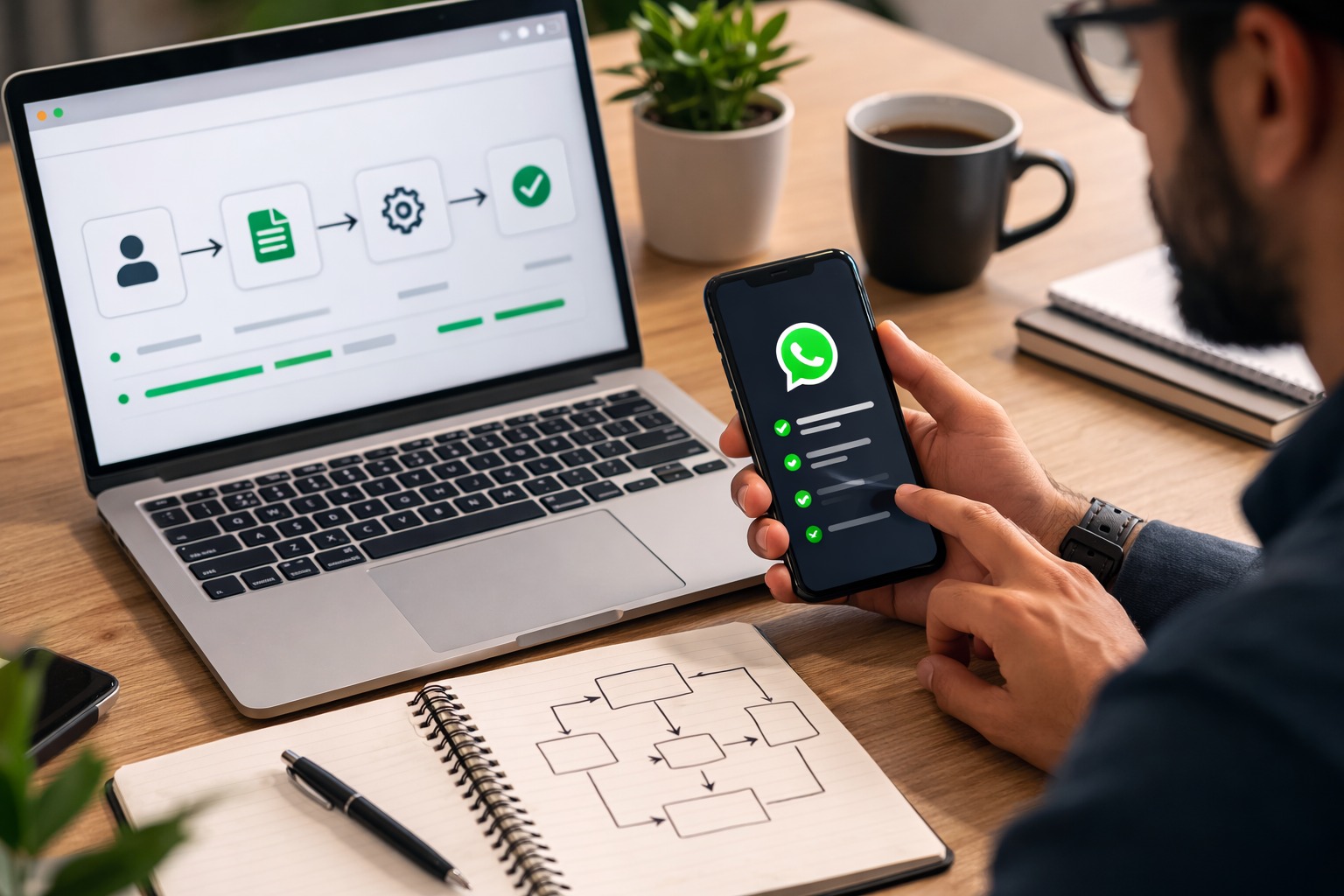
There are two main ways to apply for WhatsApp Business API access.
Directly through Meta Cloud API
Through a Business Solution Provider (BSP)
Each option has different costs, setup complexity, and support levels.
Cloud API vs Business Solution Provider (BSP)
Understanding the difference between these two options helps businesses choose the best approach.
| Feature | Cloud API | Business Solution Provider (BSP) |
|---|---|---|
| Message Cost | $0.005–$0.09 per message | $0.01–$0.15 per message (higher markup) |
| Setup Complexity | High (requires technical knowledge) | Low (managed service) |
| Support | Meta documentation & community | Dedicated customer support |
| Infrastructure Management | Self-managed | Provider-managed |
Cloud API
Cloud API provides direct access to Meta's infrastructure.
Benefits include:
Lower message costs
Direct control over API integration
Full customization capability
According to Meta's pricing structure, message costs range from approximately $0.005 to $0.09 per message, depending on region and message type.
However, this option requires technical knowledge. Businesses must configure:
API integrations
Webhooks
Infrastructure maintenance
Business Solution Providers (BSP)
Business Solution Providers handle the technical setup for you.
Examples include:
Twilio
MessageBird
Other WhatsApp API platforms including Kraya AI
Advantages include:
Managed infrastructure
Customer support
Faster implementation
Related: Best WhatsApp Business API Providers 2026: Complete Guide
Related: Kraya AI vs Traditional Platforms: Choosing the Right WhatsApp Business API Provider India
Related: WhatsApp Sales Follow-Up Automation: How to Stop Missing Leads and Close More Deals
Related: WhatsApp Chatbot for Business: Complete Guide 2026
Related: Best Gallabox Alternatives for WhatsApp Automation in India
Frequently Asked Questions

Written by
Founder & CEO, Kraya AI
Abhyank Srinet is the Founder and CEO of Kraya AI, a WhatsApp CRM and sales automation platform serving 600+ Indian businesses. He is also the founder of MiM-Essay, one of India's largest Masters admissions consulting firms.
More from Abhyank