WhatsApp Broadcast Limits Explained: 256-Contact Cap, Delivery Rules & API Tiers (2026)
 Abhyank Srinet
What Are the WhatsApp Broadcast Limits in 2026?
Every WhatsApp broadcast limit exists for a reason — but that doesn't make it less painful when your campaign stalls at 256 contacts. WhatsApp broadcast has three hard limits that every business hits eventually. Understanding each whatsapp broadcast message limit upfront saves you from the "why isn't my message delivering?" panic that hits most businesses within their first month of broadcasting.
The three broadcast limits: 256 contacts per list, recipients must save your number to receive messages, and no scheduling or automation. These apply to both personal WhatsApp and WhatsApp Business app — they're WhatsApp-level restrictions, not app-level.
| Limit | Personal WhatsApp | WhatsApp Business App | WhatsApp Business API |
|---|---|---|---|
| Contacts per list | 256 | 256 | Unlimited |
| Number of lists | Unlimited | Unlimited | N/A (no lists needed) |
| Must save number? | Yes | Yes | No |
| Scheduling | No | No | Yes |
| Automation | No | No | Yes (chatbot + sequences) |
| Analytics | Delivery ticks only | Delivery ticks + labels | Full (open, click, reply, conversion) |
| Cost | Free | Free | ₹0.25–2 per message |
| Daily message limit | No official limit | No official limit | Tier-based (250→1K→10K→100K→unlimited) |
Why Is the 256-Contact Limit a Problem for Businesses?
The whatsapp broadcast limit of 256 contacts per list sounds manageable until you do the maths. A coaching institute in Mukherjee Nagar with 800 enquiries from a single newspaper ad needs 4 separate broadcast lists. A property dealer in Baner with 1,200 buyer contacts needs 5 lists. A D2C brand with 3,000 customers needs 12 lists.
The real problem isn't the limit itself — it's what happens when you try to work around it:
- List management becomes a full-time job: Creating, naming, and updating 10+ lists means you spend more time on list hygiene than actual selling
- Same contact on multiple lists: Without a CRM, there's no way to prevent sending the same person a message twice from different lists
- No segmentation beyond lists: You can't filter by "interested in 3BHK" or "attended demo but didn't enrol" — you just have flat lists of 256 names
- Manual sending per list: If you have 5 lists, you send the same message 5 times manually. No "send to all" option
From our work with 600+ Indian businesses: the average business outgrows the 256-contact limit within 3 months of actively using WhatsApp for sales. The typical tipping point is 400-500 contacts — when managing 2+ lists starts eating more time than the broadcasts save.
What Is the "Must Save Number" Rule and How Does It Affect Delivery?
This whatsapp broadcast limit is the one most businesses don't discover until their first broadcast flops. WhatsApp requires that every broadcast recipient has your phone number saved in their contacts. If they haven't saved you, the message simply doesn't deliver — no error, no notification, just silence.
How Bad Is the Delivery Impact?
For a typical business that collects phone numbers through ads, website forms, or walk-ins:
- New leads (0-7 days): 20-30% have saved your number → 70-80% of your broadcast won't deliver
- Warm leads (1-4 weeks): 40-50% saved → still losing half your audience
- Active customers (1+ months): 60-70% saved → this is where broadcast starts working
- VIP/repeat customers: 80-90% saved → broadcast is highly effective for this segment
The delivery rate gap is the biggest hidden cost of broadcast. If you send to 256 contacts but only 60% have saved your number, you're effectively reaching 154 people — not 256. Most businesses don't realise this until they check delivery reports.
How Do You Get More Contacts to Save Your Number?
The businesses with 80%+ save rates all do the same thing — they ask early and give a reason:
- First message trigger: "Save this number as [Business Name] to receive exclusive updates and offers" — send within 5 minutes of first contact
- WhatsApp Business greeting: Set your automated greeting message to include "Save this number to stay connected"
- Website/form CTA: Add "Save our WhatsApp number" with a vCard download link on your contact page
- Physical touchpoint: Print your WhatsApp number on business cards, receipts, and shop signage with "Save for updates"
- Incentivise saving: "Save our number and reply 'SAVED' to get 10% off your next order" — a dental clinic in Aundh increased save rates from 45% to 78% with this
Are There Daily or Weekly Broadcast Limits?
Beyond the per-list whatsapp broadcast message limit, WhatsApp doesn't publish official daily broadcast limits for the personal app or Business app. But there are practical limits enforced by their anti-spam algorithm:
| Behaviour | Safe Zone | Risk Zone | Ban Zone |
|---|---|---|---|
| Broadcasts per day | 1-2 lists | 3-5 lists | 6+ lists in quick succession |
| Broadcasts per week | 2-3 total | 4-5 total | Daily promotional blasts |
| Time between lists | 30-60 min gap | 10-15 min gap | Back-to-back sending |
| Reply rate | 10%+ responses | 5-10% responses | Below 5% (spam signal) |
| Block/report rate | Below 1% | 1-3% | Above 3% (account flag) |
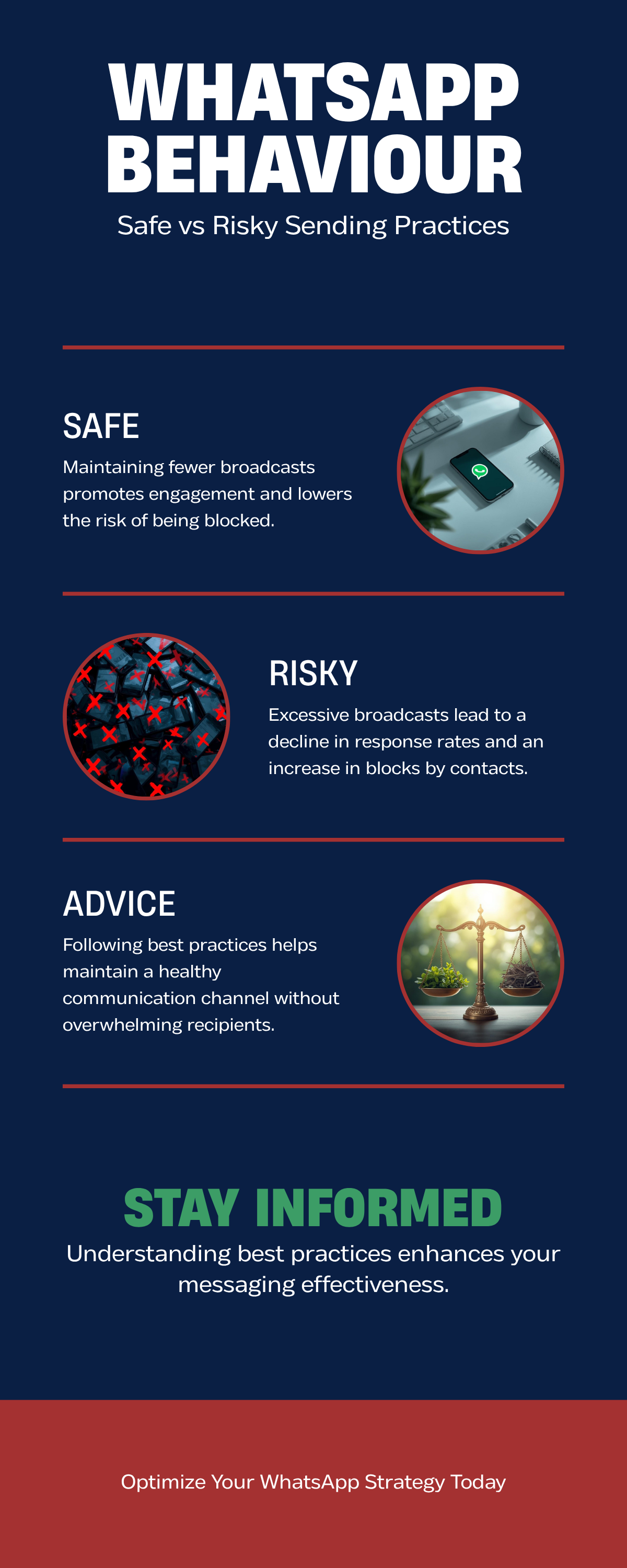
WhatsApp's anti-spam algorithm doesn't have a fixed daily limit — it monitors patterns. Sending to 5 lists over 4 hours with personalised messages is safer than sending to 3 lists in 10 minutes with identical copy. Vary your message content, stagger your sends, and maintain a healthy reply rate.
For more on keeping your account safe while broadcasting, read our guide on how to prevent WhatsApp from getting banned.
How Does WhatsApp Business API Change These Limits?
If the whatsapp broadcast limit is holding your business back, the API is the permanent fix. WhatsApp Business API removes the 256-contact limit and the "must save number" requirement entirely. But it introduces a different rate limit system — messaging tiers based on your account quality.
What Are the WhatsApp API Messaging Tiers?
When you first get approved for WhatsApp Business API, you start at the lowest tier and scale up based on your messaging quality:
| Tier | Daily Unique Contacts | How to Reach | Typical Timeline |
|---|---|---|---|
| Tier 1 | 250 | Default on approval | Day 1 |
| Tier 2 | 1,000 | Send 500+ messages with High quality | Week 1-2 |
| Tier 3 | 10,000 | Send 2,000+ messages with High quality | Month 1-2 |
| Tier 4 | 100,000 | Send 10,000+ messages with High quality | Month 3-6 |
| Unlimited | No cap | Sustained High quality at Tier 4 | Month 6+ |
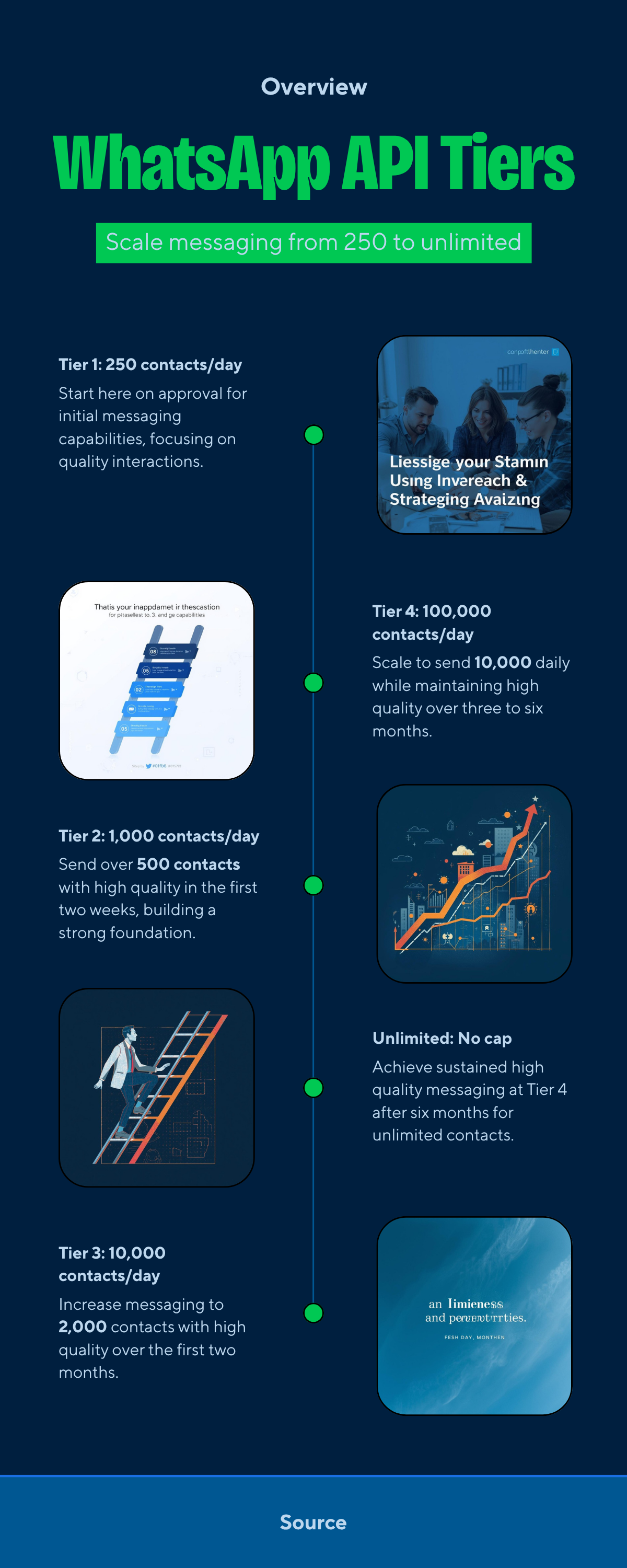
Critical: "daily unique contacts" means unique recipients, not total messages. If you send 3 messages to the same person, that counts as 1 contact against your tier limit — not 3. This is a common misunderstanding that makes the tiers more generous than they appear.
What Is Quality Rating and Why Does It Matter?
Your quality rating determines whether you move up or down tiers. Meta assigns one of three ratings (documented in the WhatsApp Cloud API documentation) based on how recipients interact with your messages:
- High (green): Low block/report rate, good reply rates. You automatically tier up when you hit the volume threshold.
- Medium (yellow): Some blocks/reports. You stay at your current tier — no promotion, no demotion.
- Low (red): High block/report rate. You get demoted to a lower tier and may be restricted from sending.
The rating updates daily based on the last 7 days of messaging. One bad campaign can drop you from High to Low overnight, and recovery takes 7+ days of clean messaging.
How Much Does WhatsApp API Cost Per Message?
| Message Category | Cost (India, per message) | Example |
|---|---|---|
| Marketing | ₹0.80–1.50 | Promotions, offers, product launches |
| Utility | ₹0.25–0.50 | Order updates, appointment reminders |
| Authentication | ₹0.15–0.30 | OTP, login verification |
| Service | Free (24h window) | Customer replies within 24 hours |
For a detailed comparison of API providers and pricing, see our WhatsApp Business API providers guide.
For step-by-step instructions on sending broadcasts on Android, iOS, and WhatsApp Web, see our guide to sending WhatsApp broadcasts.
Can You Work Around the WhatsApp Broadcast Limit of 256 Contacts?
Technically yes, practically it depends on your scale. Every whatsapp broadcast limit workaround has trade-offs. Here are the three approaches businesses use, ranked by reliability:
Approach 1: Multiple Broadcast Lists (Works Until ~500 Contacts)
Create multiple lists of 256 contacts each (see how to create and organise broadcast lists). Send to each list with a 30-60 minute gap between sends. This works for businesses with 250-500 total contacts who broadcast occasionally.
The catch: No deduplication across lists. If a contact is on two lists, they get the message twice. No way to track which list drives responses. Manual effort scales linearly with contact count.
Approach 2: WhatsApp Business App Labels + Lists (Works Until ~1,000 Contacts)
Use WhatsApp Business app's labels to categorise contacts (e.g., "Hot Lead", "Existing Customer", "Demo Attended"), then create broadcast lists per label. This gives you basic segmentation.
The catch: Labels are manual — you assign each contact by hand. Maximum 20 labels. Still limited to 256 per list, still requires number saving, still no automation.
Approach 3: Upgrade to WhatsApp Business API (Beyond 1,000 Contacts)
The only real solution for scale. API removes the 256 limit, removes the number-saving requirement, adds automation, scheduling, and analytics. The trade-off is cost (₹0.25–2 per message) and setup time (2-4 weeks for Meta approval).
The honest answer: if you have more than 500 active contacts and broadcast regularly, the multiple-lists workaround costs you more in time than the API costs in money. A sales rep spending 2 hours managing 4 broadcast lists could close 3-4 deals in that time instead.
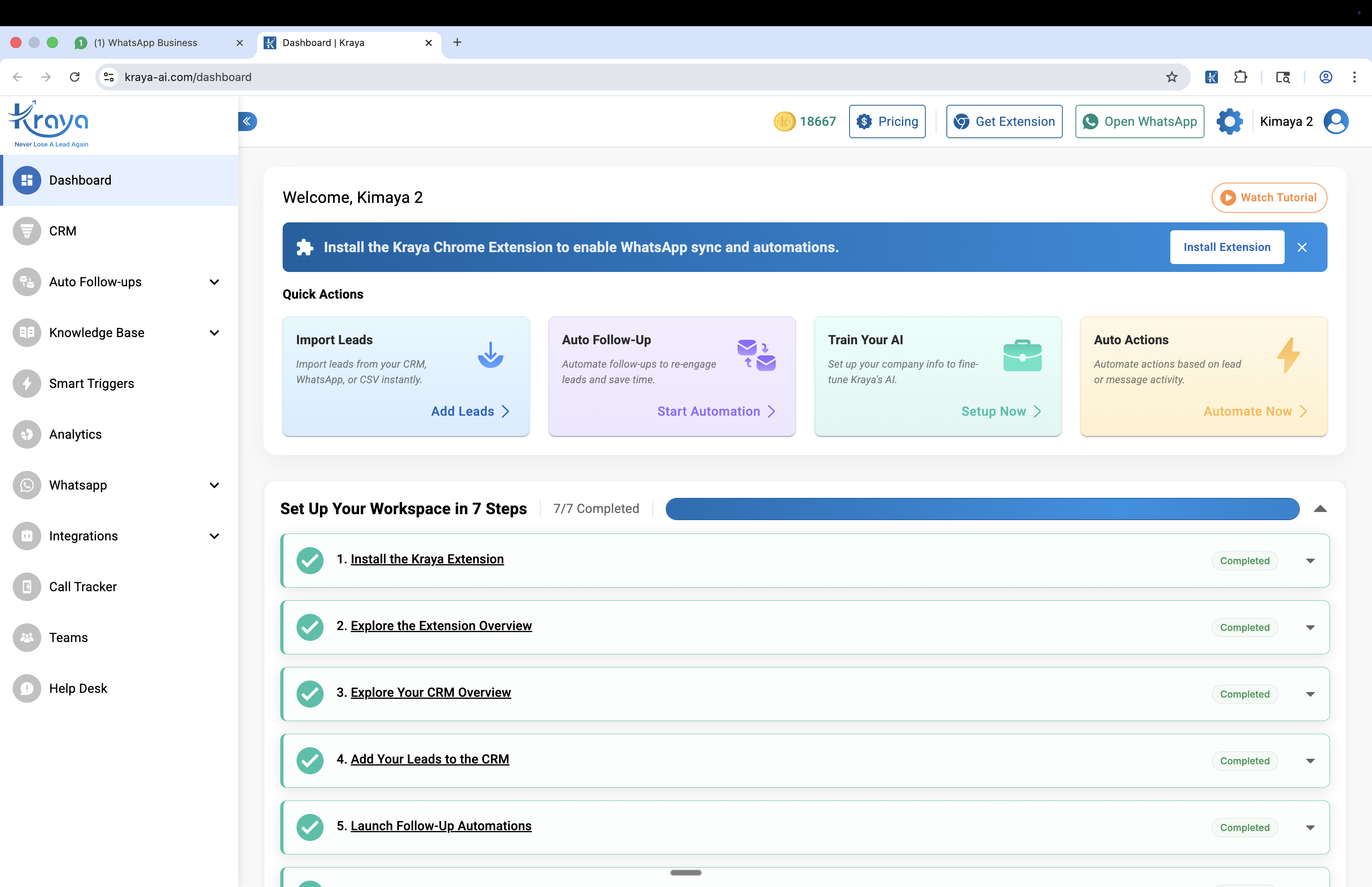
Solutions like Kraya AI sit in the middle — adding AI qualification, automated follow-ups, and CRM integration on top of WhatsApp without the full API migration. If you're still deciding whether broadcasts are right for your use case, read our comparison of WhatsApp broadcast vs individual messages. For a deeper look at your options, see our complete WhatsApp broadcast guide. For ready-to-use messages that work within these limits, check our 15 WhatsApp broadcast message templates.
Troubleshooting: Common WhatsApp Broadcast Limit Problems
Most whatsapp broadcast limit issues fall into one of six categories. Here's how to diagnose and fix each one:
| Problem | Limit Involved | Fix |
|---|---|---|
| Can't add more contacts to list | 256 per list cap | Create a new list. No way to increase the cap. |
| Message shows single tick for many contacts | Number saving requirement | Ask contacts to save your number. Send a personal message first. |
| Account temporarily restricted | Anti-spam sending limits | Wait 24-72 hours. Resume with smaller batches and varied content. |
| Broadcast not reaching new leads from ads | Number saving requirement | New ad leads rarely save your number. Use API for ad-driven contacts. |
| Quality rating dropped to Low | API tier system | Stop marketing messages for 7 days. Send only utility messages to rebuild rating. |
| API tier not upgrading | API tier volume threshold | Maintain High quality rating and gradually increase daily volume to hit next threshold. |
You might also find our how to send bulk whatsapp messages without getting banned guide useful.
You might also find our whatsapp ban for automation: which tools are safe and which get you banned guide useful.
Related: Best AiSensy Alternatives for WhatsApp Marketing in India
Related: Best Gallabox Alternatives for WhatsApp Automation in India
Related: Best WhatsApp Marketing Software for Indian Businesses




